
Descripción
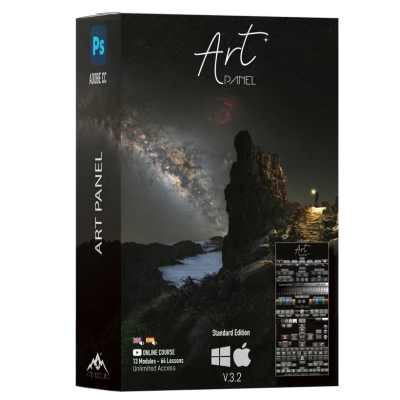
Art Panel Pro v3 – Photoshop Plugin for Astrophotography Editing
Art Panel Pro v3 is a plugin/panel for Adobe Photoshop designed to speed up and simplify astrophotography editing, especially for Milky Way images, tracked shots, panoramas/mosaics, and scenes where you need to blend sky and foreground with precision.
Instead of wasting time digging through menus, Art Panel Pro brings the key tools for your workflow together in a single panel: “master” buttons for fast control over layers, masks, and adjustments; a selection block (including targeted selections such as stars and nebulae); and a set of luminosity/channel/color masks optimized for smoother tonal transitions in the midtones and grayscales (ideal for delicate skies and subtle gradients).
The area of Stars is one of the strong points: tools developed for advanced star work, with options for Reduce stars, correct problems such as Halos, and even generate and manage a workflow starless + separate stars to edit the background without destroying detail.
It also includes essential astrophotography tools directly inside the panel: noise reduction, high pass, enhancement of dark structures tailored for astrophotography, and tools for gradient/light pollution cleanup, along with color correction features to create cleaner, more natural-looking backgrounds.
Key benefits
- A panel focused on editing astrophotography in Photoshop with a faster, more organized workflow.
- Sky/foreground separation and support for complex blends (especially with tracked shots).
- Star selection and nebula selection with different detection levels.
- Luminosity/channel/color masks with smooth transitions for precise adjustments.
- Advanced star tools: reduction, control, and a starless + stars workflow.
- Gradient/light pollution cleanup and background color correction.
- Tooltips built into the panel to help you remember what each feature does (especially useful when you come back to it after a while).
- Custom actions to automate repetitive tasks and tailor the panel to your workflow.