

ART PANEL PRO
SPEED UP AND ENHANCE YOUR WORKFLOW
NEW VERSION: V3.2
September 2026 Update: Astro Match and Denoise AI.
Introducing Astro Match, included in Art Panel Pro.
“It’s not just another editing tool. It’s a shift in how we capture the sky and how we preserve the natural feel of the photograph.”

ASTRO MATCH
The sky you imagined. The atmosphere you experienced
-
Align images captured at different focal lengths.
Integrate a sky captured at a longer focal length into your wide-angle composition, while respecting the geometry of the original shot.
-
Automatically combine multiple images captured with a Star Tracker.
Bring together sky images captured from the same area, align them with your original photograph, and blend them naturally so that no seams are visible.
- Preserve the true atmosphere of that night.
Keep the horizon, clouds, airglow and the light from that night so that the whole composition blends naturally with your landscape.
- Integrate real H-alpha data.
Add data captured through a filter to reveal the emission structures surrounding the Milky Way, adjusting their intensity without losing the natural colour of the sky.
THE PHOTOSHOP PLUGIN BY ARTE NOCTURNO
Master Milky Way, deep-sky, and nightscape editing in record time. This panel cleans up gradients, refines stars, creates luminosity masks, and removes light pollution without compromising the natural look of your image.
Hecho por un astrofotógrafo. It's not theory; it's a tool forged from years of editing my photos and those of my students. Every button solves a real problem in your workflow so you can achieve professional results without trial and error.
Includes a workflow masterclass featuring my personal techniques.


ALL YOU NEED IS A FEW CLICKS TO CREATE ART
Two options: Standard and PRO

ART PANEL
Lifetime Licence: Standard + Course
149€

ART PANEL PRO
Lifetime Licence: PRO + Course
SPECIAL LAUNCH OFFER
DAYS: September 15, 16 and 17.
Astro Match is coming to Landscape Astrophotography. Take advantage of the launch offer today and don’t miss out on 35% off.
INCLUDED IN THE PRO VERSION
ASTRO MATCH

STARLESS AI

DENOISE AI
More information
TOOLS INCLUDED IN BOTH VERSIONS
Luminosity Masks
Precision in every part of the image.
Luminosity Masks for Highlights, Shadows, Midtones, Channel, and Color, delivering ultra-smooth transitions. Ideal for Milky Way photography, astrophotography, auroras, daytime landscapes, and anything else you can imagine: protect highlights, recover shadows without muddying them, and edit specific areas with surgical precision in a single click.
Complete Customization: Don’t settle for fixed masks. With Art Panel, you can blend masks to create hybrid selections (e.g. color + luminosity) and adjust their softness with a single click, ensuring your adjustments blend seamlessly into the image without hard edges or halos.
Perfect balance in your channels. Forget cross-channel color casts. These masks let you target the individual signal of each gas (H-alpha, OIII, SII) to correct imbalances at the source. If one channel comes in weak or the OIII starts to drift, you can adjust it in isolation to achieve a clean, robust integration that holds up through any further processing.
Design your palettes with complete freedom. Channel control is the key to mastering the most iconic narrowband combinations. Whether you are after the signature gold and teal tones of the Hubble Palette (SHO) or the depth of a bicolor HOO image, you can blend each gas to your liking. Reveal structures that would otherwise go unnoticed and create that three-dimensional depth without oversaturating the entire image.
REMOVE LIGHT POLLUTION
Art Gradient for removing city lights and airglow
Clean up complex gradients and airglow with precision. Restore a naturally dark sky where the nebulosity takes center stage.
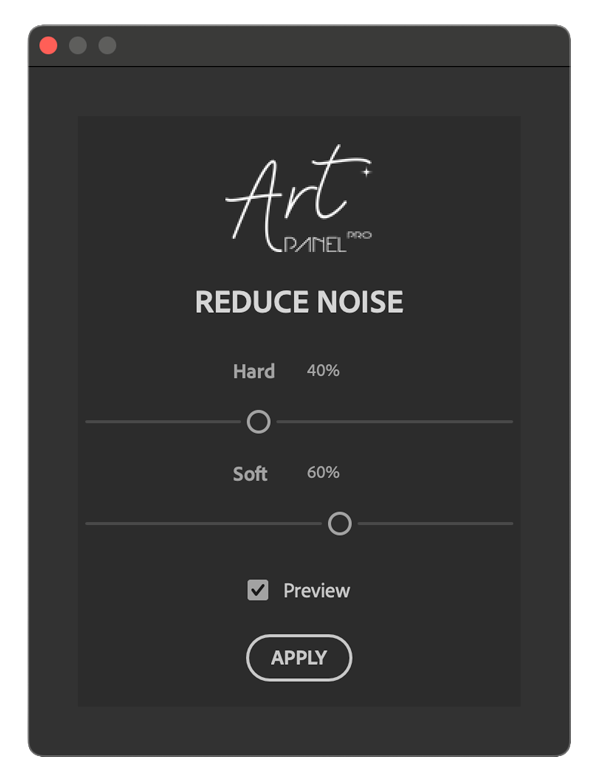
NOISE REDUCTION
Eliminate imperfections.
Reducción de ruido: limpia el ruido de forma selectiva, pudiendo elegir la imagen completa, sombras o luces.
LANDSCAPE ASTROPHOTOGRAPHY
Natural transitions
Blend sky and foreground so they look like a single image: no harsh transitions, no halos, and no “blue edges” along the horizon.
With Art Panel Pro, you can do it quickly by combining masks + selections and fine-tuning the edges (expand/contract). Finish it off with Dodge & Burn and Look & Finish for a realistic result.
Enhance the H-alpha
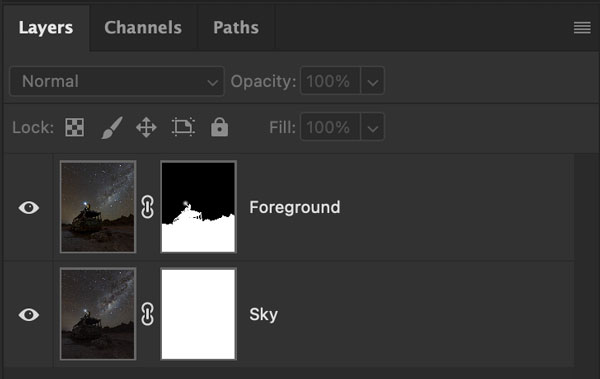
Sky / Ground separated
Separate your single exposure into sky and foreground in just one click, creating a new masked layer. Whether it is a daytime or nighttime image, splitting these layers will make your editing workflow much easier.
Starless
Separating the stars is the key to achieving clean edits directly on the starless layer. You will also be able to edit your stars individually using the dedicated star tools.
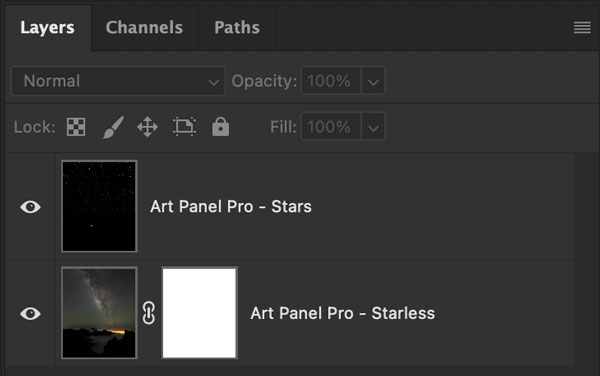
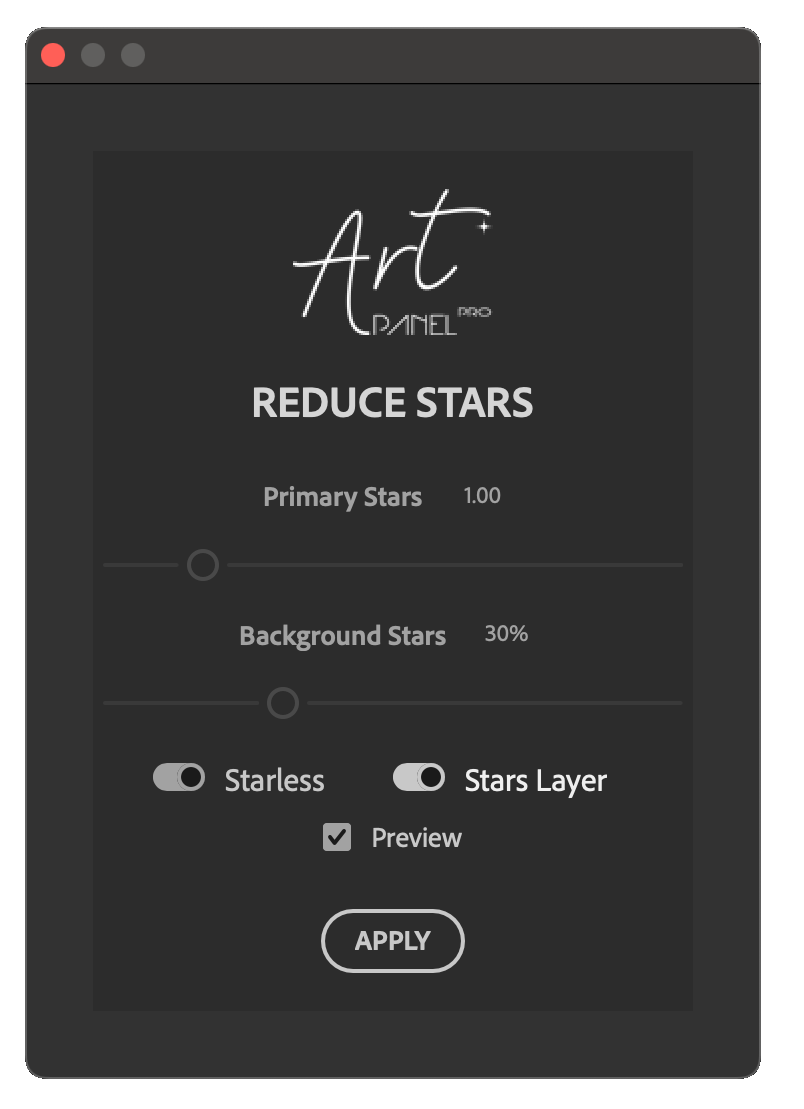
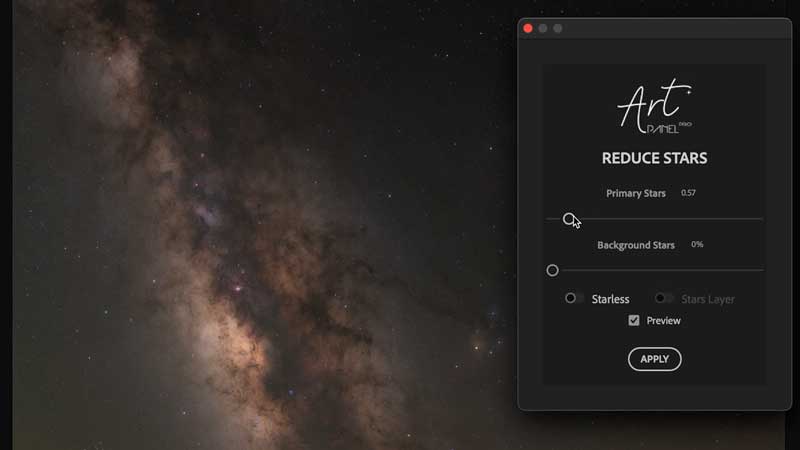
Reduce Stars. This tool is essential for your wide-field astrophotography, especially if you are aiming for a natural look in mosaics or images taken with a tracker. Unlike automated adjustments, here you have full visual control: with its sliders, you can reduce the brightness of the main stars while also bringing back faint background stars to avoid that artificial “empty sky” look.
When you apply the adjustment with the separate layers option enabled, Art Panel automatically generates a clean Starless layer and a separate layer containing only the stars, preserving exactly the brightness settings you defined visually. This gives you complete freedom to process the sky and the stars independently.
ASTROPHOTOGRAPHY WITHOUT LIMITS
Reveal the invisible
Reveal the faint structures hidden in your stacked image. Turn a flat image into a deep-sky image with depth, detail, and impact.
This image was edited using these Art Panel Pro tools:
- Star Reduction (DS)
- SCNR (in layer starless and in stars)
- Noise reduction
- Stacking blotch removal
- Colour correction
- Art Gradient
- Remove Gradient
- Enhancement dark structures
In the Course, I show you the entire process step by step with real examples: when to work on the starless layer and when to work on the stars layer, how to clean up gradients using Art Gradient and Remove Gradient, remove stacking artifacts, reduce green casts separately in the nebula and the stars, apply noise reduction, and finish with Dark Structure Enhancement.
Depth and Dimension
Make dust clouds and interstellar gas stand out, adding a three-dimensional sense of contrast to the Milky Way and dark nebulae.
SCNR
Get rid of your camera’s “green cast” in a single click. Achieve a neutral, natural-looking sky background while preserving the details in your image.
Diffraction spikes
Add an artistic touch to your image by simulating the classic diffraction spikes of Newtonian telescopes. Create striking flares by customizing their length, brightness, and number of spikes for a unique finish.

SBS: Stars, Blur & Sharpen
Your entire editing workflow in one click, powered by pure mathematics.
Forget spending hours blending layers. The SBS system analyzes your image and applies an intelligent “recipe” that balances star size, reduces noise, and enhances the dark structures of the Milky Way all at once.
Algorithm, not invention: SBS does not use Generative AI. It does not invent pixels or create false details that are not present in your image. Instead, it uses advanced mathematical algorithms to process the real information captured by your camera, ensuring a natural, true-to-life result.
EDIT ALL TYPES OF PHOTOS
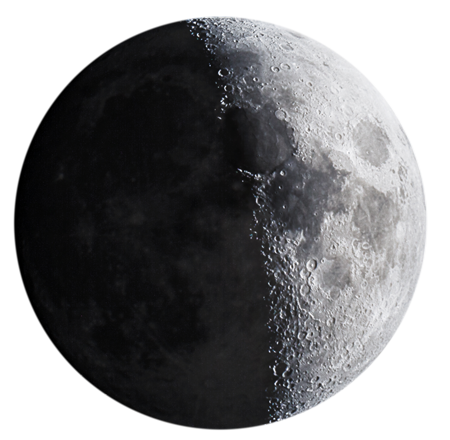
Moon
Art Panel Pro is not limited to deep-sky and nightscape photography. Use selective sharpening and texture enhancement to create a sharp, detailed Moon with stunning crater definition.
Northern Lights
Enhance color and structure without compromising image quality. High Pass on the highlights and selective masks are perfect for making the auroras stand out while keeping the sky clean.


Daytime photography
Light behaves the same way by day and by night. Tools such as automatic Sky/Foreground separation, Dodge & Burn, Look & Finish, Noise Reduction, High Pass, and Luminosity Masks are essential for adding depth and a professional finish to your daytime landscapes and sunset scenes.

EXCLUSIVE TO THE PRO VERSION:
STARLESS AI
Let the nebulae speak
New artificial intelligence engine within Art Panel Pro for star removal. Trained on wide-angle and telephoto images.

Not only does it remove stars, the model has been trained to eliminate:
- Dark halos
- Chromatic aberrations on bright stars
- Faint stars
- Micro-noise from stars smaller than 4 pixels
DENOISE AI
More room to keep creating
Integrate Denoise AI into your workflow to reduce noise in any type of photograph and adjust the strength of the effect.

Denoise AI is designed to clean up the sky background and soften visible noise in your night photographs.
You decide how much to clean up, while preserving the character of your photograph.
- Reduce noise in the night sky and dark areas.
- Intensity control through opacity.
- Balance noise reduction and texture to suit your photograph.
- A cleaner foundation for continued editing.
Denoise AI for astrophotography too
Reduce noise after stacking to achieve clean deep-sky images while preserving detail.
ASTRO MATCH
The same scene. New possibilities
Astro Match uses artificial intelligence to identify common points between captures of the same scene, even when the focal lengths, perspectives or filters are very different. This allows it to align images that are not identical with your reference composition.

The sky you imagined. The atmosphere you experienced
-
Align images captured at different focal lengths.
Integrate a sky captured at a longer focal length into your wide-angle composition, while respecting the geometry of the original shot.
-
Automatically combine multiple images captured with a Star Tracker.
Bring together sky images captured from the same area, align them with your original photograph, and blend them naturally so that no seams are visible.
- Preserve the true atmosphere of that night.
Keep the horizon, clouds, airglow and the light from that night so that the whole composition blends naturally with your landscape.
- Integrate real H-alpha data.
Add data captured through a filter to reveal the emission structures surrounding the Milky Way, adjusting their intensity without losing the natural colour of the sky.
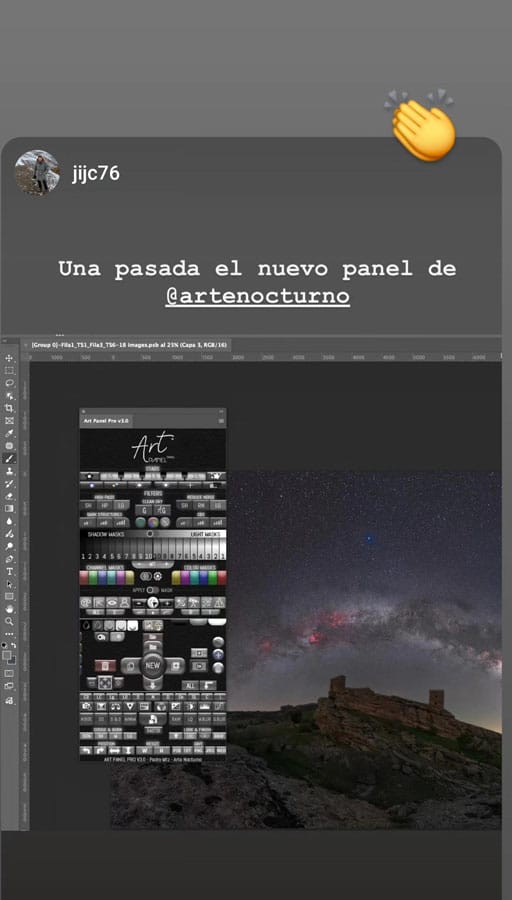
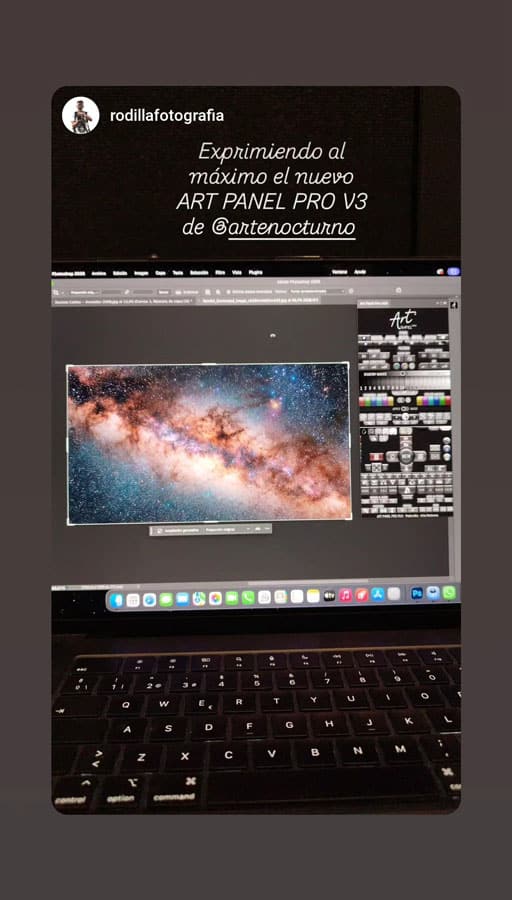
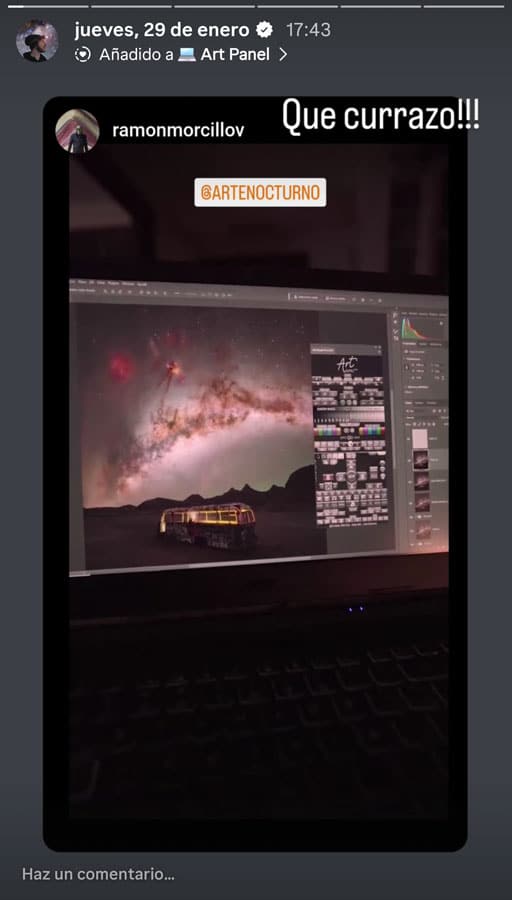
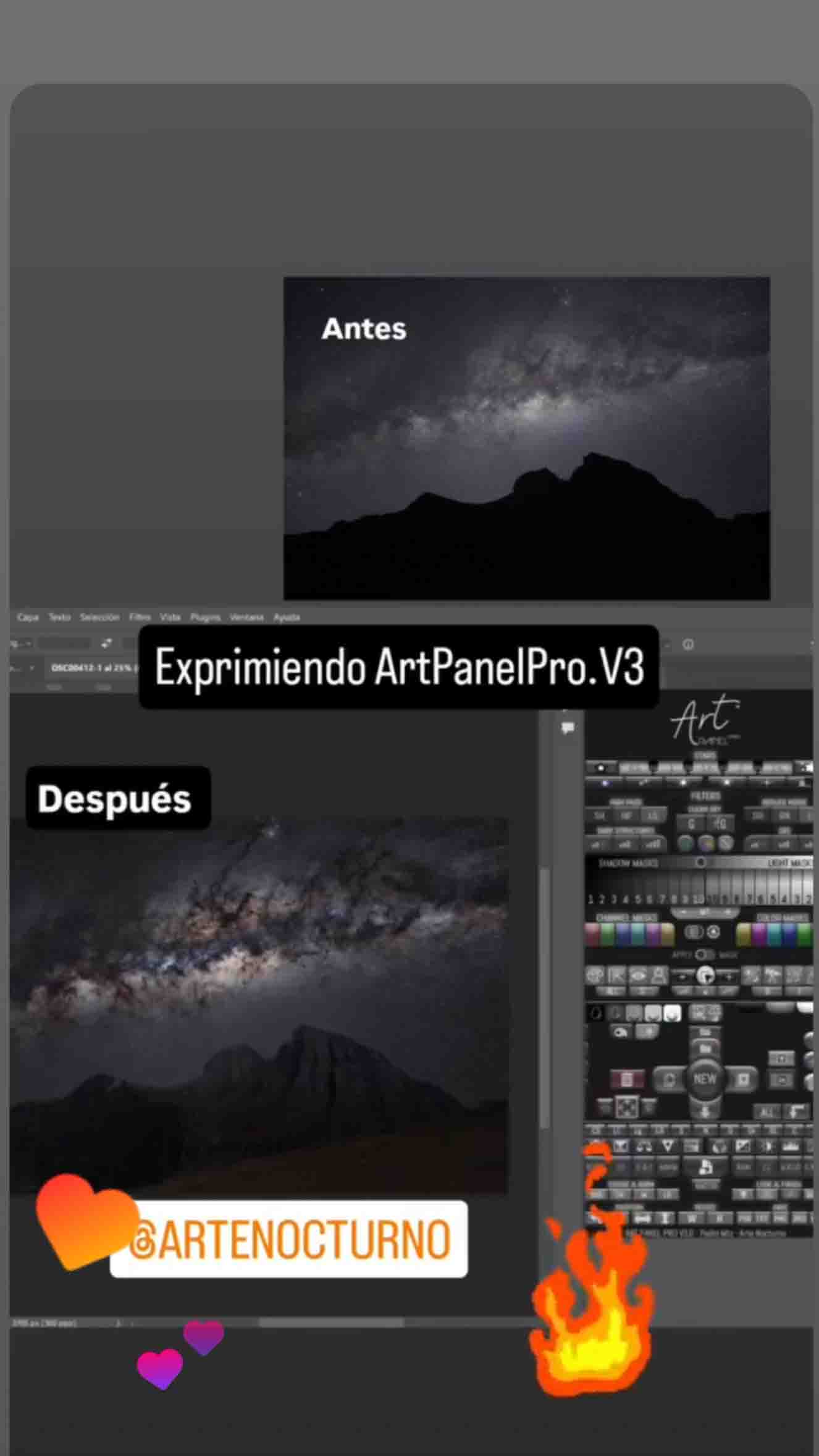
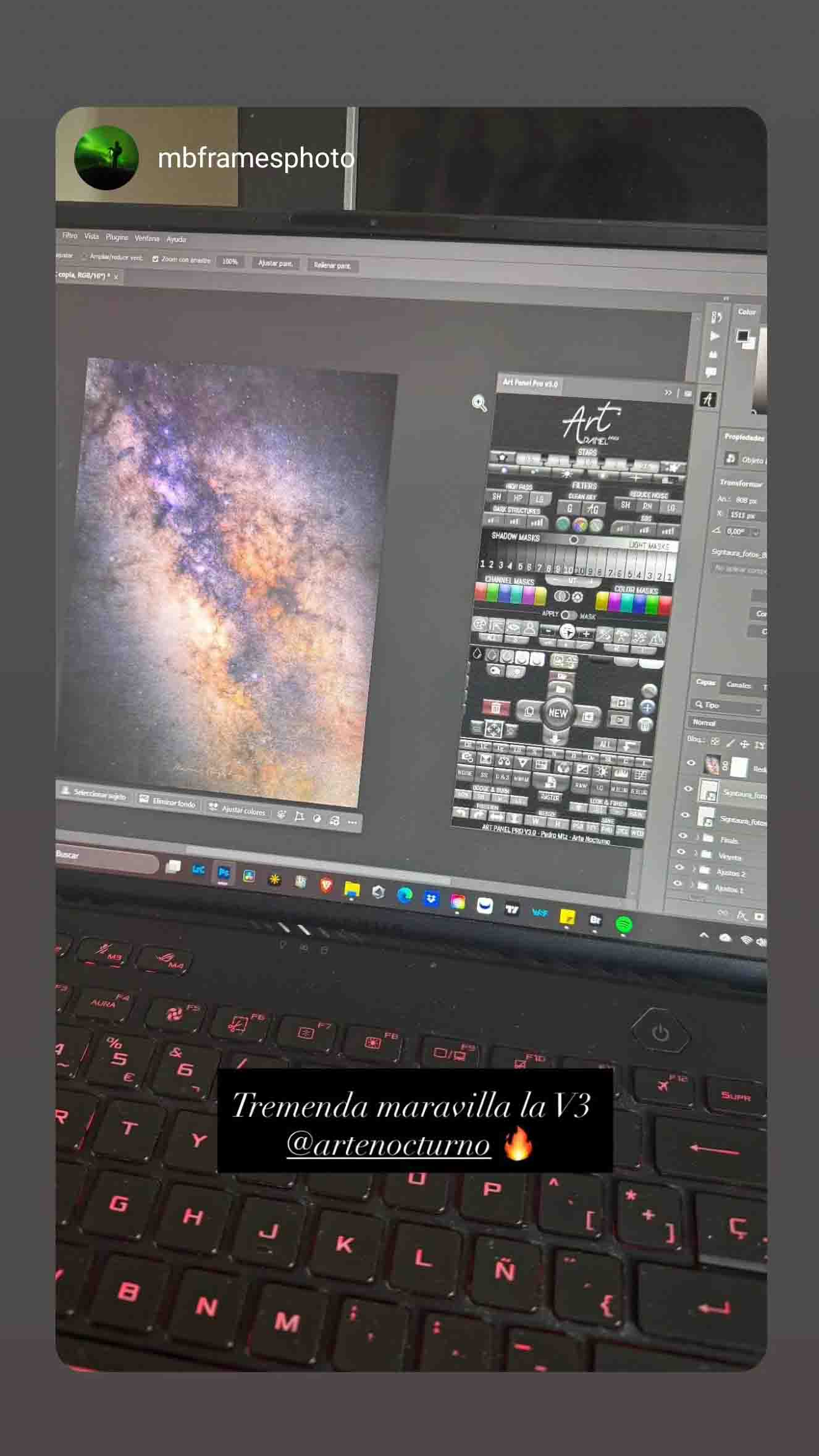
THIS WAS THE REACTION TO THE LAUNCH


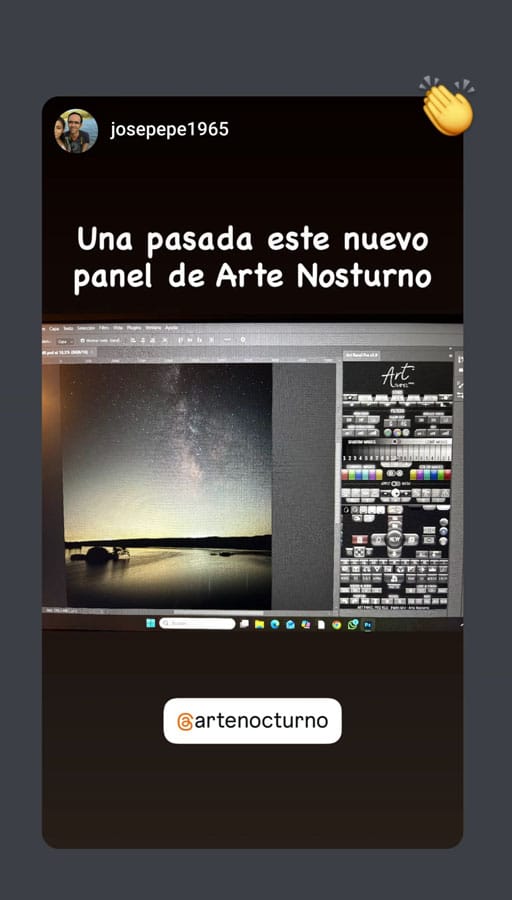











THESE PHOTOGRAPHERS ALREADY USE IT
I’ve been photographing the Milky Way for almost ten years. Nearing 70 years of age, I’m retired and loving the time I get to spend with my cameras, trackers and processing images.
Like many photographers I learned about Arte Nocturno Art Panel Pro on Social Media platforms. I was sufficiently impressed so I purchased and installed version 3.0 then educated myself by watching the tutorials.
The tutorials are the first thing that impressed me about Art Panel Pro. Using that resource, it was so easy to learn the proper workflow. That made jumping right into my photo editing simple and productive.
But I believe probably the most important and effective process is separating the foreground from stars.
I’ve always had trouble getting nice clean edges of foreground objects. Automatic masks in Lightroom / Photoshop are nearly always less than satisfactory.
Art Panel Pro however, makes the best masks I have ever used. They are also easy to edit for even better masks. Having a foreground layer and a separate background (stars) layer makes processing so much easier. The results actually are so good I’m contemplating going back and taking a look at processing older photos!
Reducing noise is just another process. A couple clicks! And the results are amazing.
Art Panel Pro doesn’t stop there!
Noise-free backgrounds, star reduction (if you want), removing color halos, removing hot pixels, editing the Milky Way itself and removing light pollution… Art Panel Pro does it all.
To be sure there are other processes included in Art Panel Pro. But these are the ones that stand out to me.
In the photo accompanying this testimonial, I used all the above processes. The large dish is near Big Pine, California at the Owens Valley Radio Observatory under Bortle 2 skies. There are over 40 dishes of all sizes but at least four of them are about 40 feet wide.
Without the masking power, processes and quality of Art Panel Pro, it would have taken me hours to get a mask and final photo I’d be happy with. This one however, believe it or not, took only a couple hours.
I can’t say enough good things about Art Panel Pro – I updated to version 3.1 a week ago. Do yourself a favor and add it to your workflow. You won’t be disappointed.
One more thing, communicating with Pedro of Arte Nocturno is a breeze. He’s quick to respond and you would never know he is half a world away (from California, anyway!).
Art Panel blew me away. It’s a game-changer for astrophotography editing. What I love most is that there are videos explaining exactly how to use every button. Once you get the hang of it, you can edit your photos incredibly fast and the results are stunning. I’m in love with SBS Pro! Amazing work, Pedro — I’ve never seen anything like it.
Without a doubt, this is a tool worth having. It’s incredible what a single button can do — honestly, you don’t need anything more. I’m very happy with this purchase and would recommend it to anyone who loves photography. Pedro helped me with a few questions, and I’m absolutely delighted with both the product and the service.
The panel is a highly intuitive and effective editing tool, with genuinely useful features and significant time savings.
For me, it made an immediate difference in the results of my photography. I truly believe it’s a benchmark for this kind of work and will become a go-to resource for learning and reference. In short, a genuinely outstanding course. Congratulations to the author on such a brilliant achievement.
I’ve been using Art Panel Pro for a few days now, and I can honestly say it’s simply spectacular. It has enormous potential and is very easy to use. I’m currently going through the tutorial videos so I can get the most out of it, and there is clearly a lot to explore. The videos are short, direct, and easy to follow — perfect for understanding how the panel works. I’m absolutely delighted with this purchase.
I’ve been using other editing panels for many years, but Art Panel Pro genuinely surprised me. It’s easy to use, intuitive, and packed with tools that take your photography to the next level.
Art Panel Pro includes powerful tools for Milky Way processing. In just a few days, it has become an essential part of my workflow. It is such a complete panel that it is not limited to night photography alone — it has also become indispensable for editing my landscape images. I highly recommend it to anyone looking to take their photography to the next level. And if you have never used a panel before, there is no need to worry: Art Panel Pro comes with a complete training course that makes it easy to learn how to use it with confidence. My congratulations to Pedro Mtz, the creator of the panel. It is a very complete plugin that helps you keep progressing and learning, especially when it comes to detailed night-sky processing, while also including examples from many other types of photography.
I’m extremely happy with this purchase.
Glendor Díaz Suárez. (Glendor fine art photography)
Night and landscape photographer.
CEF Gold Medal in the National Photography League 2019
I hadn’t used Photoshop in a while because I was focused on other editing software, but ART PANEL PRO made me fall in love with layer-based editing again. It’s very intuitive and easy to use, and the course on your website makes it much easier to clear up any questions that come up during the editing process. On top of that, the fact that it’s in Spanish is a huge advantage.
It’s a very complete plugin for continuing to grow and learn, especially when it comes to detailed night-sky processing, while also including examples from many other types of photography.
I’m extremely happy with this purchase.
VIDEO COURSE INCLUDED WITH YOUR LICENCE
Each licence includes an online course with over 60 lessons, always kept up to date with the latest additions. Detailed explanations of every button, along with step-by-step editing workflows.
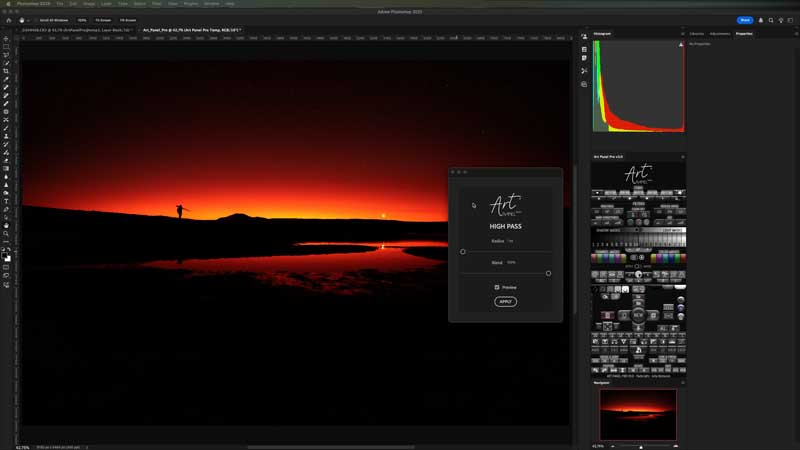
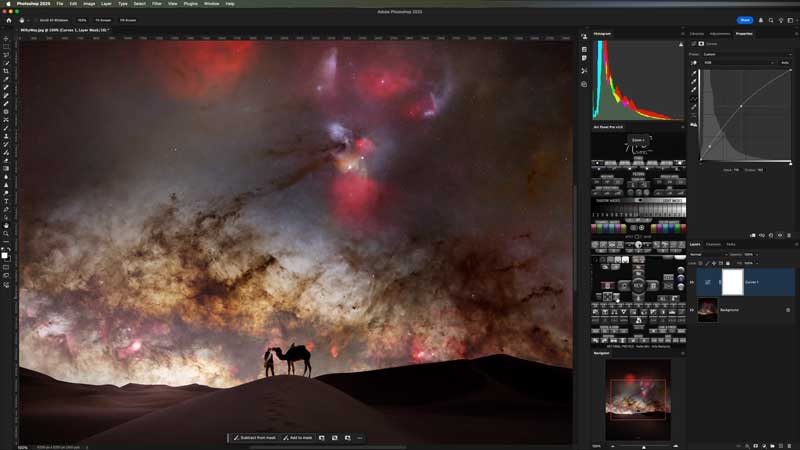
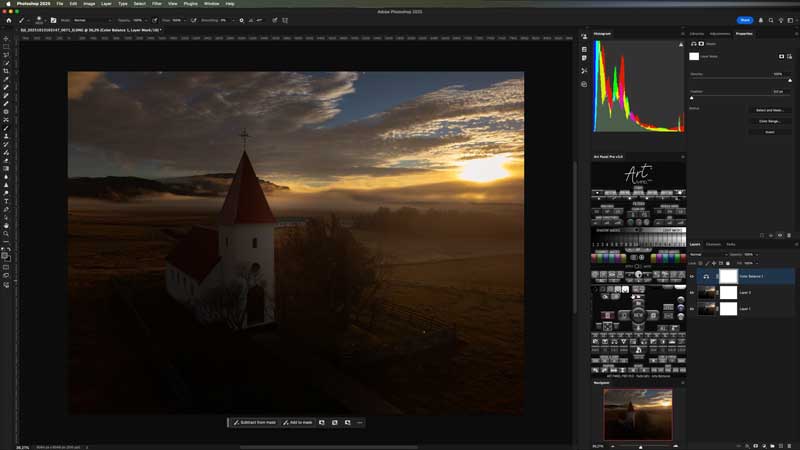
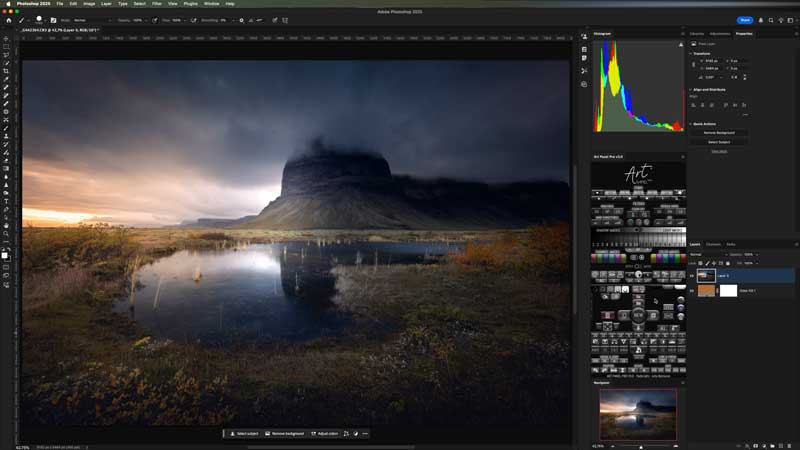
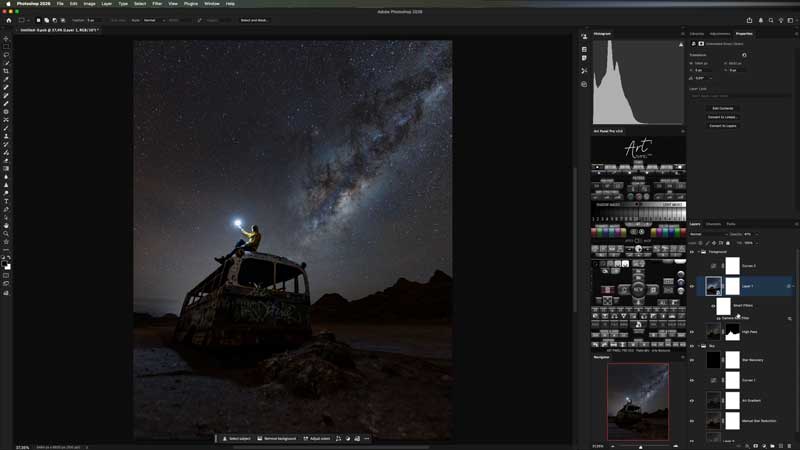
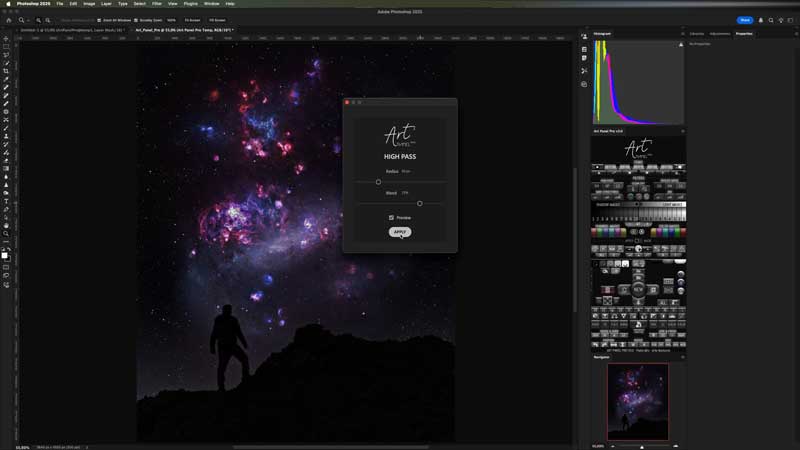

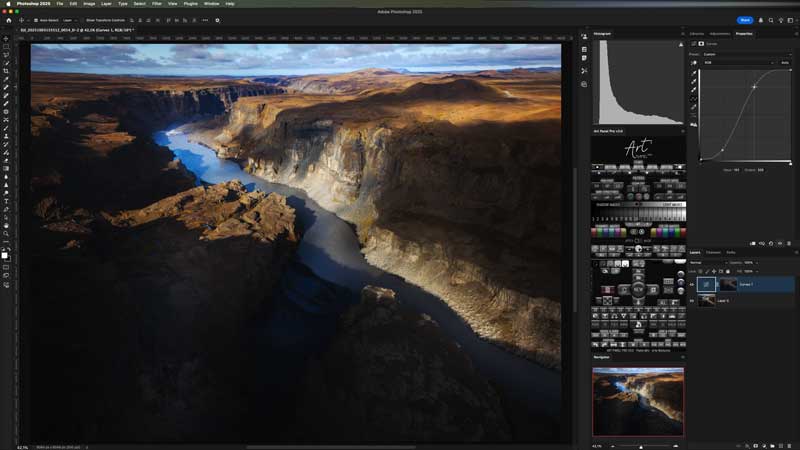
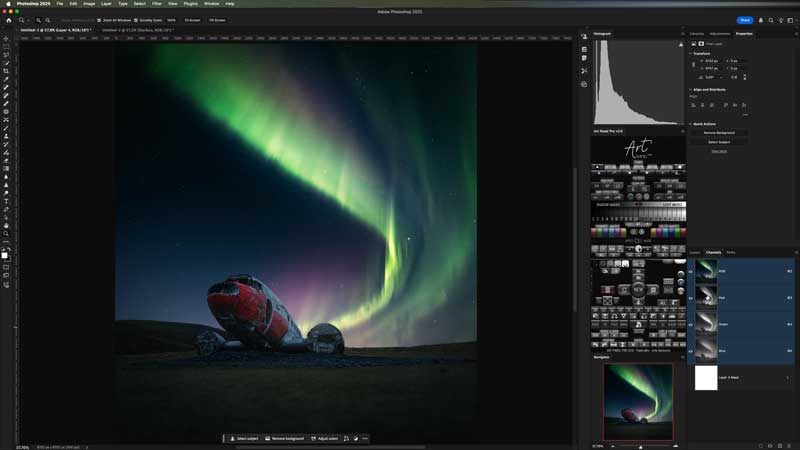
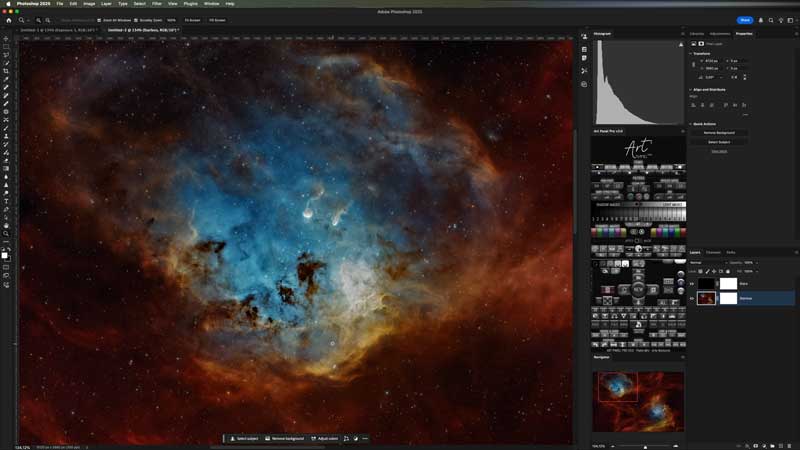
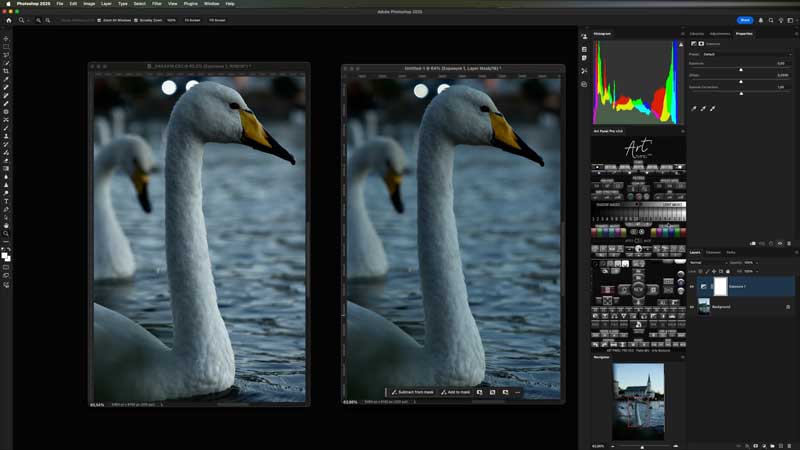


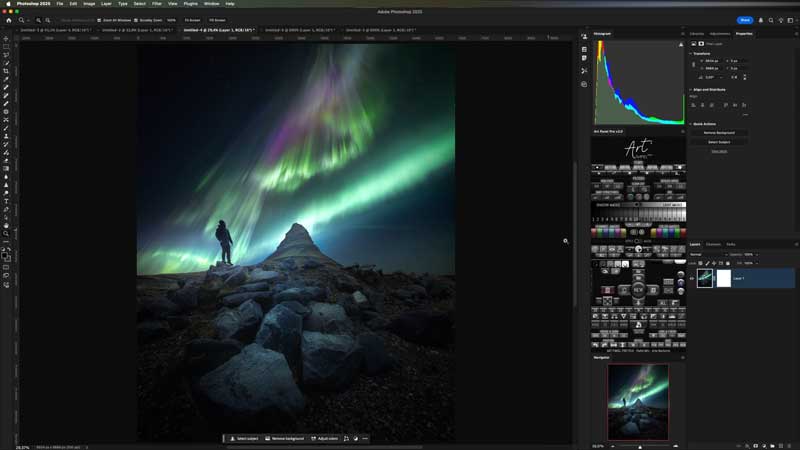


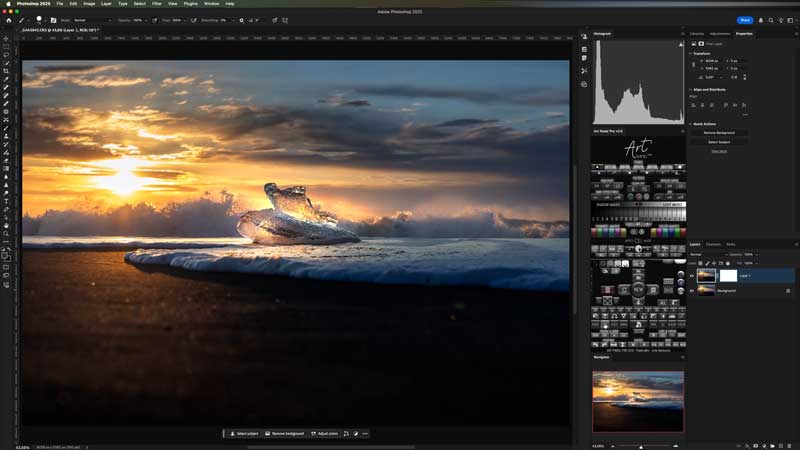
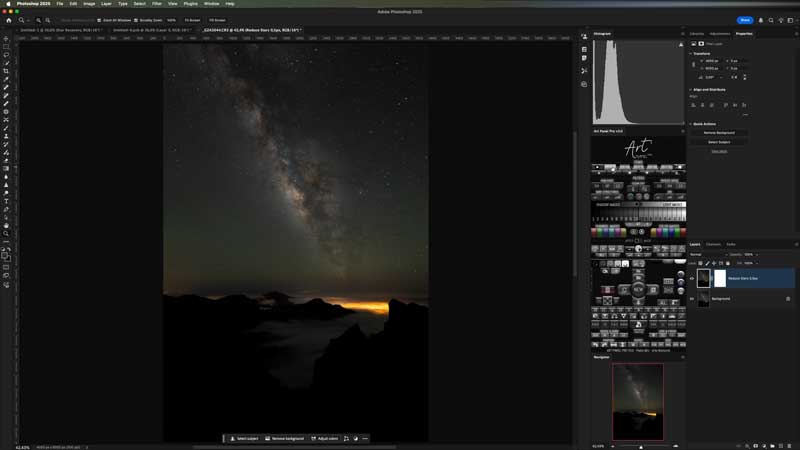
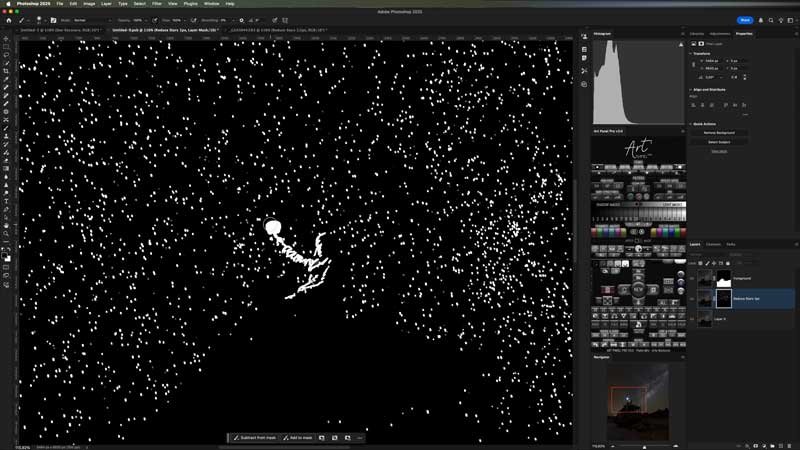
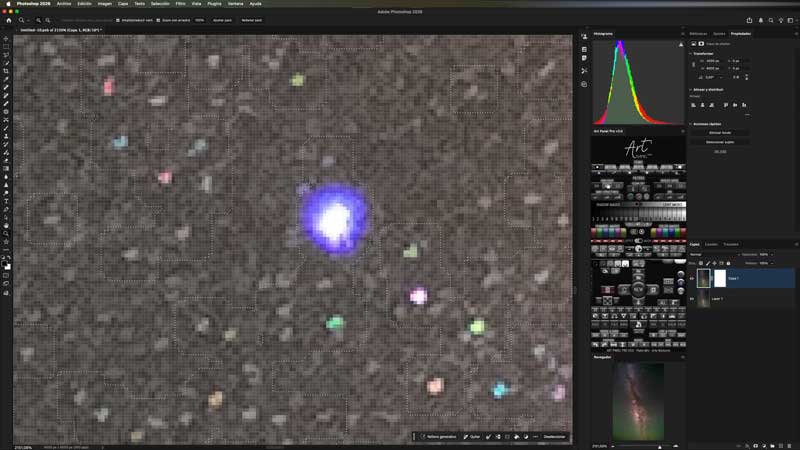


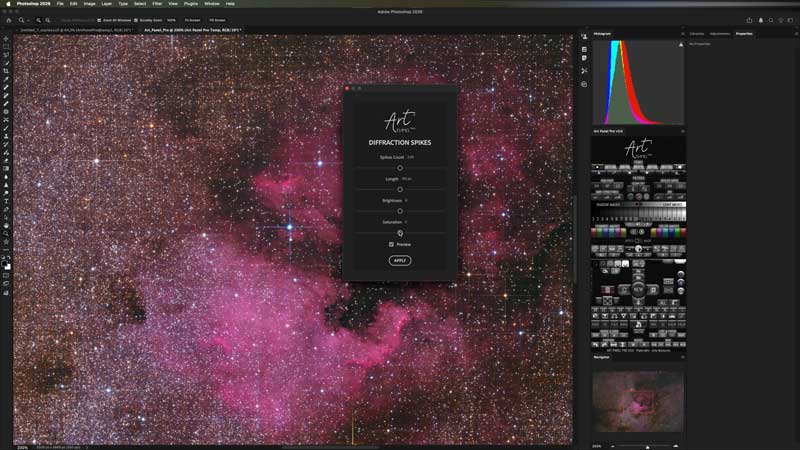


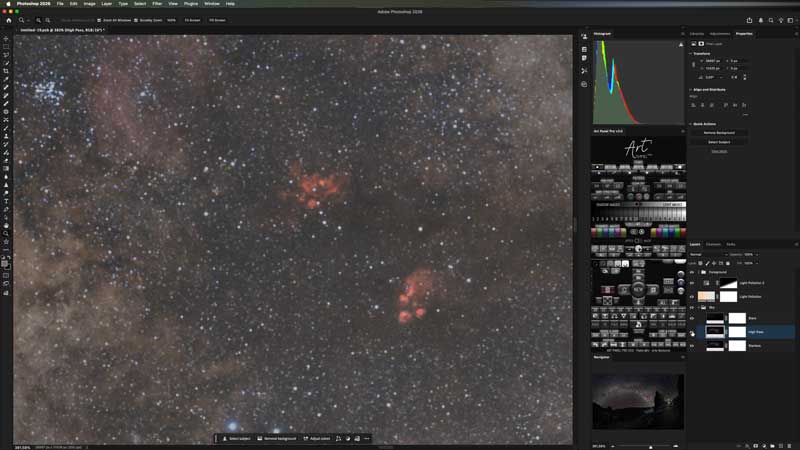
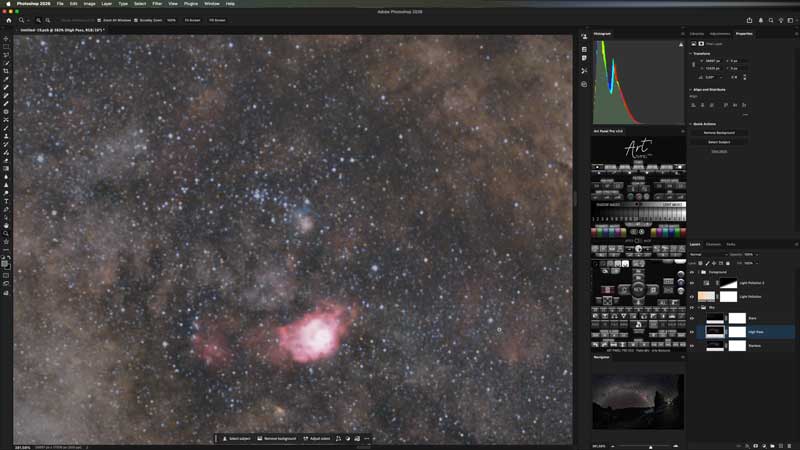

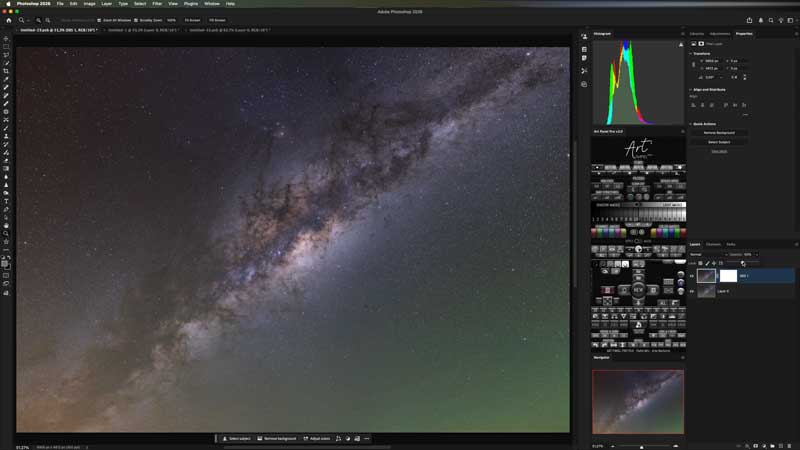

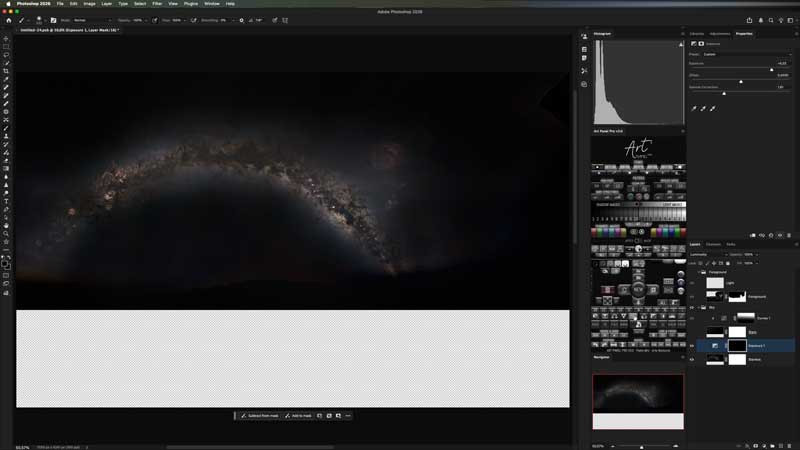

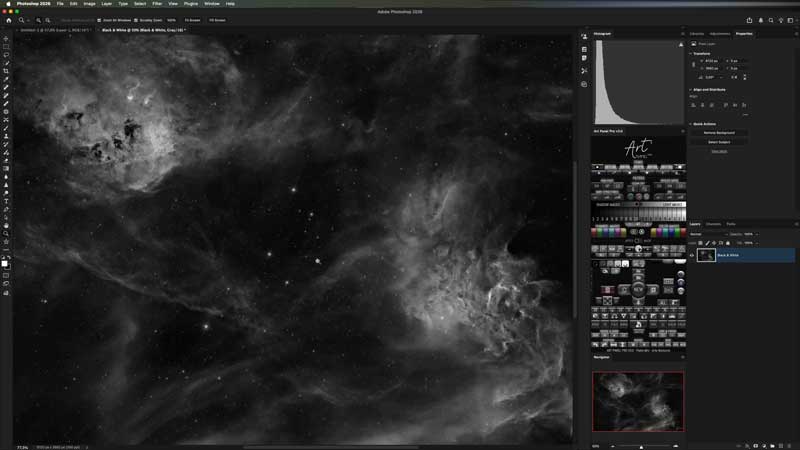
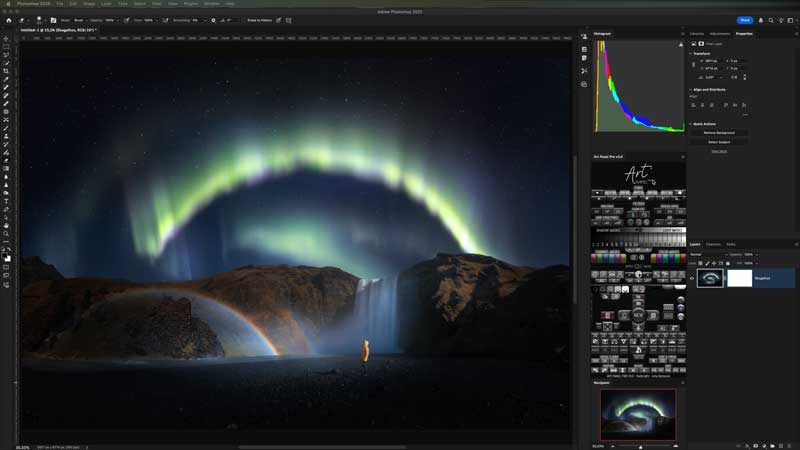
Course Content (+60 Lessons)
MODULE 1: INTRODUCTION
- Download, installation and license activation
- Options menu
- How to follow the tutorials
- First look
- Modals
MODULE 2: MASTER BUTTONS
- Zoom and delete layer
- Brushes
- Create layer and quick fills
- Mask control
- Create ground layer with mask
- Clipping mask
- Control: New
- Control: Buttons around New
- Custom actions
MODULE 3: MASKS
- Luminosity masks
- Medium tone mask
- Channel and colour masks
- Blur mask
- Merge masks
- Modify masks
MODULE 4: SELECTIONS
- Types of selection
- Modify selections
- To define selection
- Apply Mask
MODULE 5: ADJUSTMENTS
- Adjustment Layers
- Default filters
- Smart objects
- Blending modes
MODULE 6: STARS
- Remove black halo
- Reduce star brightness
- Reduce the brightness of Deep Sky objects.
- Reduce stars manually
- Remove colour halos
- Star saturation
- Starlight
- Blur stars
- Diffraction spikes
- Recover Stars
- Starless AI (PRO)
MODULE 7: CORRECTIONS
- SCNR
- Colour corrector
- Remove hot pixels
MODULE 8: SKY CLEANING
- Art Gradient
- Remove gradients
MODULE 9: FILTERS
- High Pass
- Dark structures
- Noise reduction
- Denoise AI (PRO)
- SBS (Stars, Blur and Sharpen)
MODULE 10: FINAL ADJUSTMENTS
- First steps
- Dodge & Burn
- Look & Finish – Light pollution
- Look & Finish – Orton
- Look & Finish – Vignette
- Look & Finish – Black and white copy
MODULE 11: TRANSFORM AND SAVE
- Position
- Rescaled
- Saved
MODULE 12: EDITING
- Example 14mm
- Example ground + tracked sky and H-alpha
MODULE 13: ASTRO MATCH (PRO)
- First look
- Align Multiple Images
- Natural Horizons
- Integrate H-alpha
ART PANEL
Multiple possibilities in a unique design and workflow

Available in 9 languages
🇬🇧🇪🇸🇩🇪🇫🇷🇮🇹🇵🇹🇸🇦🇯🇵🇨🇳
English • Spanish • German • French • Italian • Portuguese • Arabic • Japanese • Chinese.
Astrophotography and artistic compositions.
- A unique control panel
Stay fully organized by managing layers, filters, and masks from a single control. - Luminosity, channel, and color masks.
Total control over light: create precise masks for highlights, shadows, and midtones so you can edit only where you want,
plus channel and color masks. - AI-powered selections.
Automatically detects stars, nebulae, sky, and foreground. Refine edges down to the pixel and use
Apply Mask to apply selections directly to Art Panel Pro filters. - Astrophotography tools.
Complete star control: from star reduction and removal (Starless) to recovery, optical defect correction, and creative effects. - Sky cleanup.
Achieve a clean background: remove light pollution and complex gradients with Art Gradient,
and correct unwanted color casts. - Detail and depth.
Enhance the sense of depth: bring out dark structures and nebulosity to add dimension to the image while preserving the original signal. - SBS (Automatic Adjustment).
Your processing in one click: an intelligent system that balances stars, reduces noise, and applies enhancement automatically. - Your custom actions.
Integrate your own workflows and use the panel to run your favorite actions with a single click. - Exclusive to the PRO version.
Astro Match: AI-powered alignment engine, Starless AI and Denoise AI.
BECOME A MASTER OF EDITING
Direct download
Access Art Panel from your account and have it available whenever you need it.
UPDATES
Enjoy all future updates included in Version 3.
4K TUTORIALS
The tutorials are available in 4K, along with other quality options, so you never miss a single detail.
Online course
Art Panel includes an online course to help you get the most out of it.
English and Spanish
Tutorials with audio in both Spanish and English. The panel and tooltips are available in 9 languages.
SUPPORT
If you run into any issues, WhatsApp support is available.
NO SUBSCRIPTION
No subscription required — just a one-time payment. Lifetime license.

EASY INSTALLATION FOR PHOTOSHOP
Compatible with Adobe Photoshop CC v24.7 and later, with easy guided installation.
MAC COMPATIBLE
Install Art Panel on your Mac with a simple, guided setup. Natively compatible with M1 chips and later.

Windows Compatible
Install Art Panel on Windows with a simple, guided setup.
FREQUENTLY ASKED QUESTIONS
Can I pay in a currency other than €/$?
Yes, you can pay in any currency.
How do I download Art Panel?
Once you complete your order, you will receive an email with the download link. You can also download it anytime from MY ACCOUNT.
Which Photoshop versions is the plugin compatible with?
You can install Art Panel v3 in Adobe Photoshop CC (from version 24.7 onwards). I recommend using the latest version.
How do I install Art Panel?
You’ll download a file with a .ccx extension. Simply double-click it and Adobe Creative Cloud will open to install it. When you open Photoshop, you’ll find it under Plugins / Art Panel. You can also install it manually.
Can I install Art Panel Pro on multiple computers?
Yes, there is no limit to how many of your own computers you can install it on. However, each license only allows one active device at a time. If you want to switch from one computer to another, you will need to reset your license from the MY ACCOUNT section at artenocturno.com.
How do I access the online course?
From the MY COURSES menu at the top of the website. Once there, simply enter your username and password.
How long is the course?
There is no set duration — you can go through the course at your own pace. Even after finishing it, you can come back anytime to review any lesson whenever you need it. No need to worry about forgetting things: if you forget something, you can simply watch that part again.
Are the Standard and PRO courses different?
It’s the same course. If you purchase Standard, you can watch the PRO lessons.
LIMITLESS CREATIVITY
Standard and PRO
ART PANEL
Lifetime Licence: Standard + Course
149€
ART PANEL PRO
Lifetime Licence: PRO + Course
Standard |
PRO |
|
The full potential of the plugin for editing your photographs in Photoshop |
The full potential of the plugin for editing your photographs in Photoshop |
|
Astro Match · Combines different focal lengths, mosaics and H-alpha data |
|
|
Starless AI · AI-powered star separation and processing |
|
|
Denoise AI · AI-powered noise reduction |
|
|
Future PRO feature updates in development |
TECHNICAL REQUIREMENTS
Minimum Requirements (Standard and PRO)
- Official Adobe Photoshop (Desktop) installed and activated: version 24.7.0 or later.
- Operating system: macOS or 64-bit Windows 10/11, compatible with your version of Photoshop.
- Internet: required to activate the license and for periodic validation checks.
- Storage: at least 2 GB free for Photoshop and caches, plus additional space for the “Scratch Disk” (see recommended requirements).
Art Panel
- RAM: 8 GB minimum. 16 GB is more comfortable when working with large files or 16-bit images.
- Intel Mac and Apple Silicon: yes. 64-bit Windows: yes.
- Download: around 1.3 MB (Mac and Windows). Leave around 100 MB free for installation.
- Does not include Astro Match, Starless AI or Denoise AI.
Art Panel Pro (AstroMatch, Starless AI & Denoise AI)
- RAM: 16 GB minimum. 32 GB recommended for mosaics, multiple images or 16-bit files.
- Mac: Apple Silicon only (M1, M2, M3, M4…). On Intel Macs, the panel works; Astro Match, Starless AI and Denoise AI do not.
- Windows: 64 bits (Intel/AMD).
- Mac: Apple Silicon only (M1, M2, M3, M4…). On Intel Macs, the panel works; Astro Match, Starless AI and Denoise AI do not.
- Mac download: around 1.2 GB. Leave at least 3 GB free to download and install.
- Windows download: around 3.7 GB. Leave at least 8 GB free to download and install.
Recommended (for performance and Photoshop’s Scratch Disk)
- Disk / Scratch Disk: SSD with 50 GB of free space or more (20 GB minimum recommended).
- Note: Photoshop can use a great deal of scratch space depending on the size of your photos, history, layers and filters. This is caused by Photoshop, not the panel.
- CPU/GPU: whatever Photoshop recommends for your version. For PRO, additionally: Apple Silicon on Mac; NVIDIA on Windows for faster Astro Match performance.
Installation / Updates
- For installation and updates, having Creative Cloud Desktop installed is usually recommended, although the only actual requirement is a working version of Photoshop 24.7.0 or later.
- On Windows, the first time you use Starless AI or Astro Match, you may be asked to click “Run anyway”. This is normal.
DISCOVER ASTRO MATCH IN ACTION
DISCOVER HOW ART PANEL PRO WORKS IN ACTION
🇬🇧 You can enable English audio from the YouTube player settings.
ALL YOU NEED IS A FEW CLICKS TO CREATE ART
ART PANEL PRO V3.2
Lifetime Licence: PRO + Course
SPECIAL LAUNCH OFFER
DAYS: September 15, 16 and 17.
Astro Match is coming to Landscape Astrophotography. Take advantage of the launch offer today and don’t miss out on 35% off.