

ONLINE COURSES
OF MILKY WAY
ONLINE COURSES
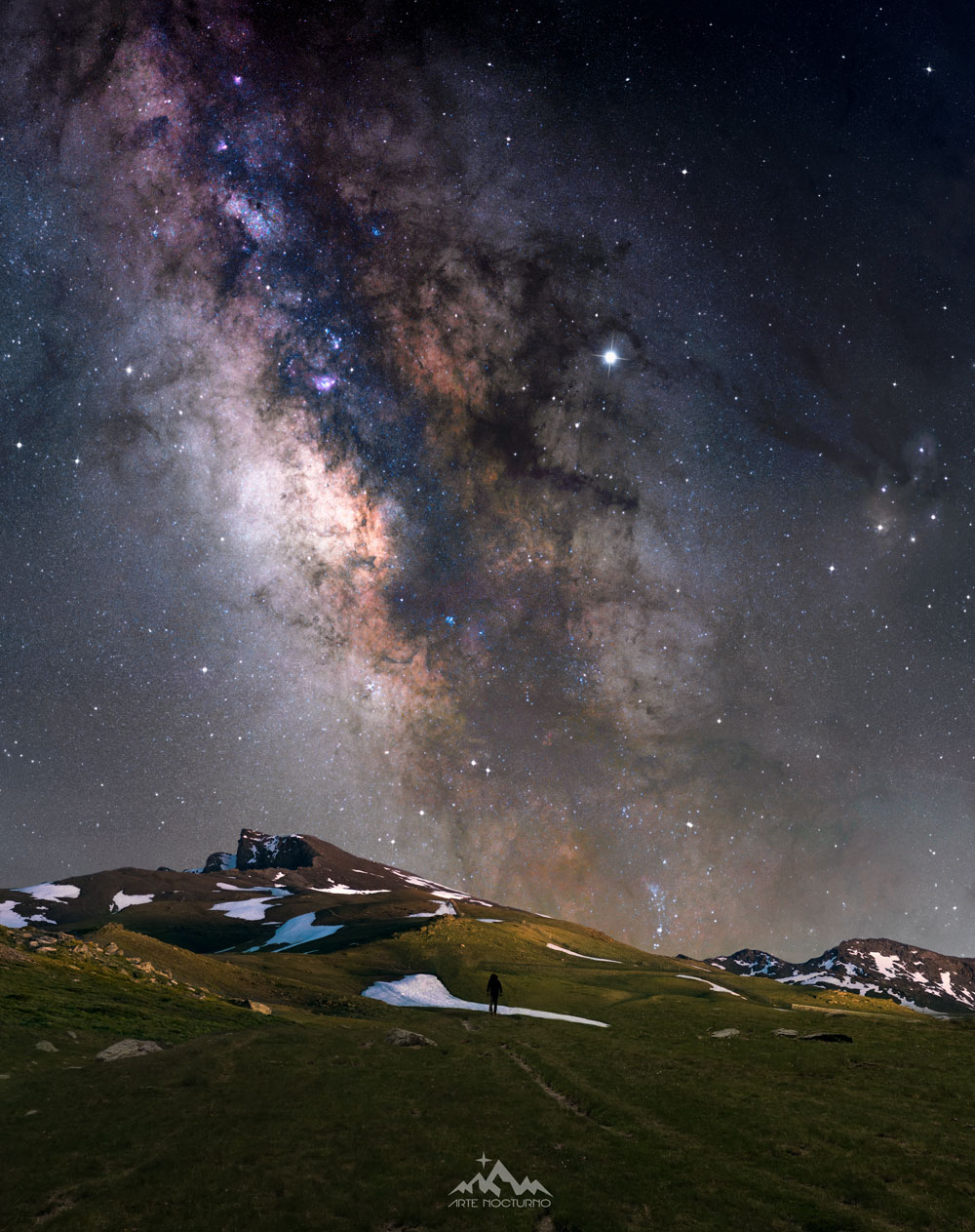
It’s not just about learning photography. It’s about connecting with the sky.
There’s something magical about looking up and deciding to capture it.
A camera, a tripod… and that first time you see the Milky Way appear on your screen.
This space is for those who feel that pull.
For those who want to learn without feeling lost, edit without frustration, and preserve in a single image what they saw with their soul.
Welcome.
Your journey starts here.
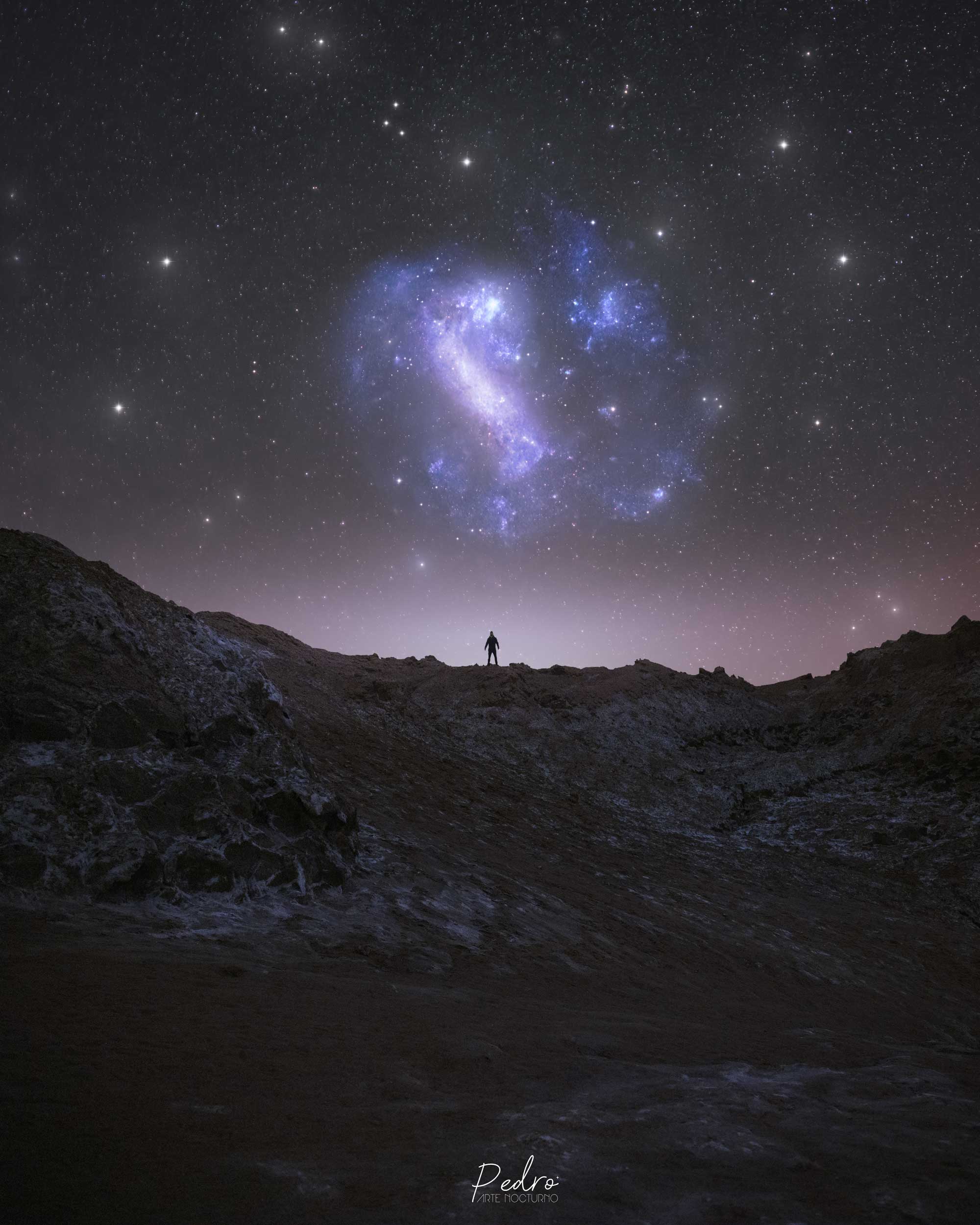
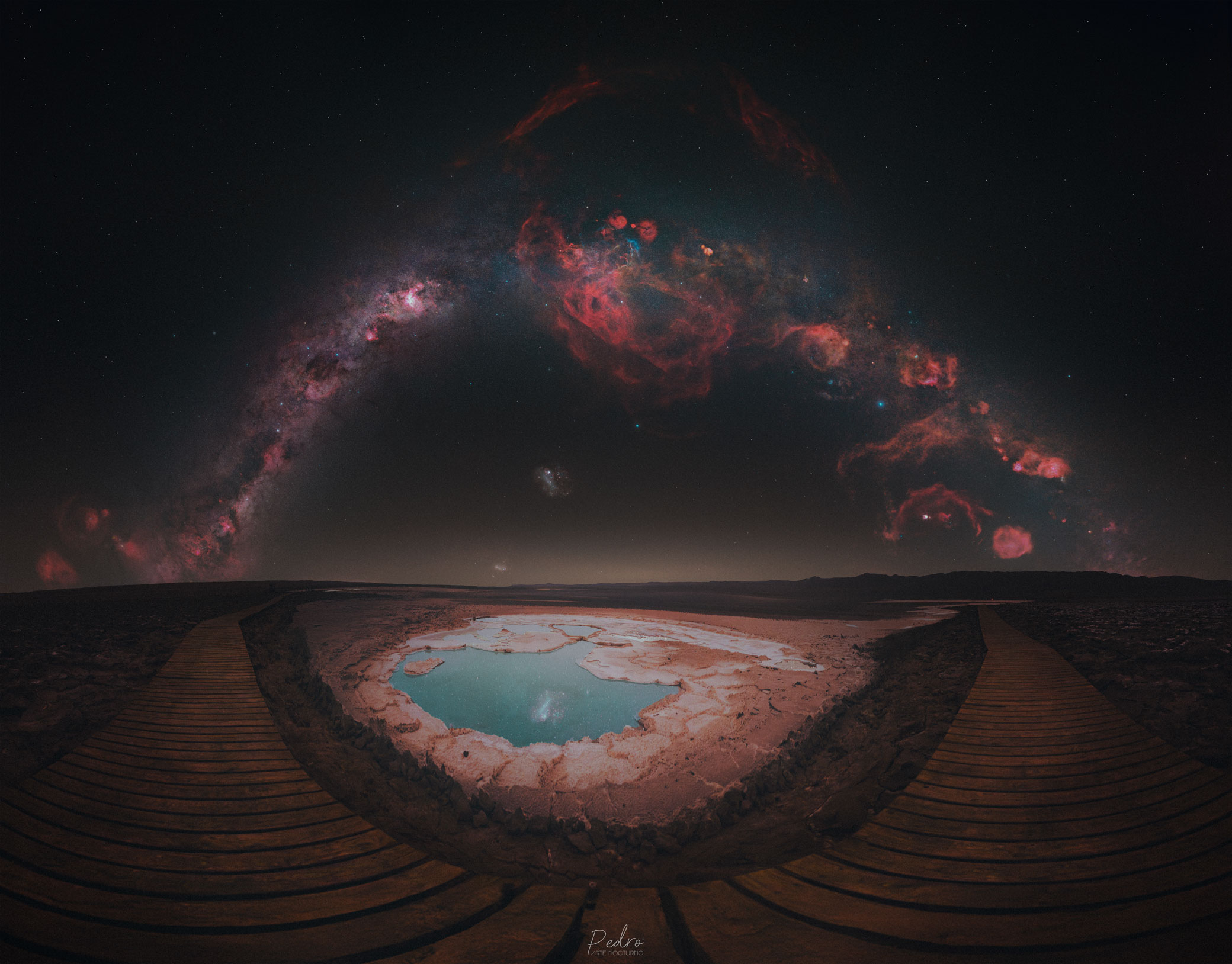
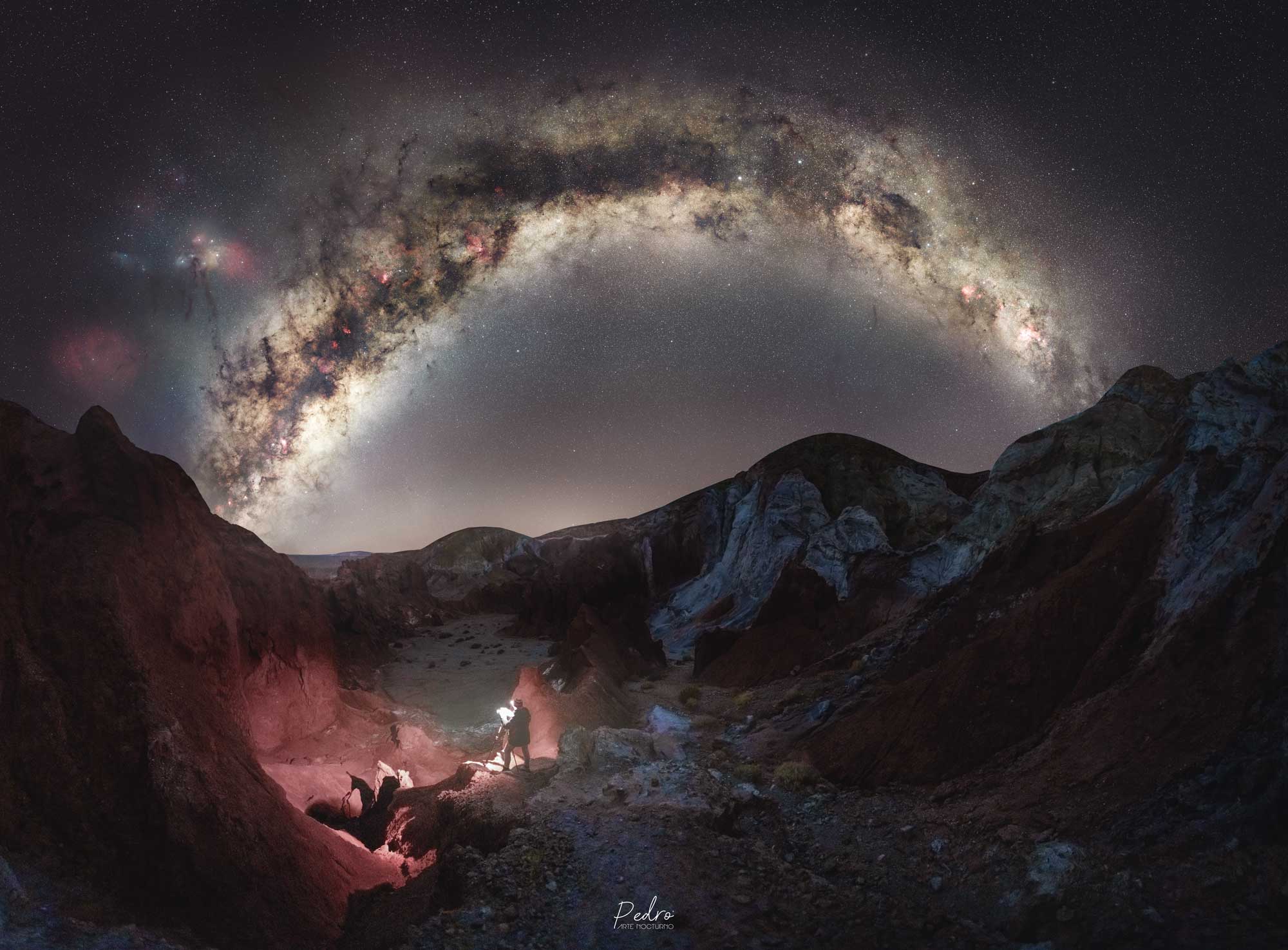
THIS IS MY WORK

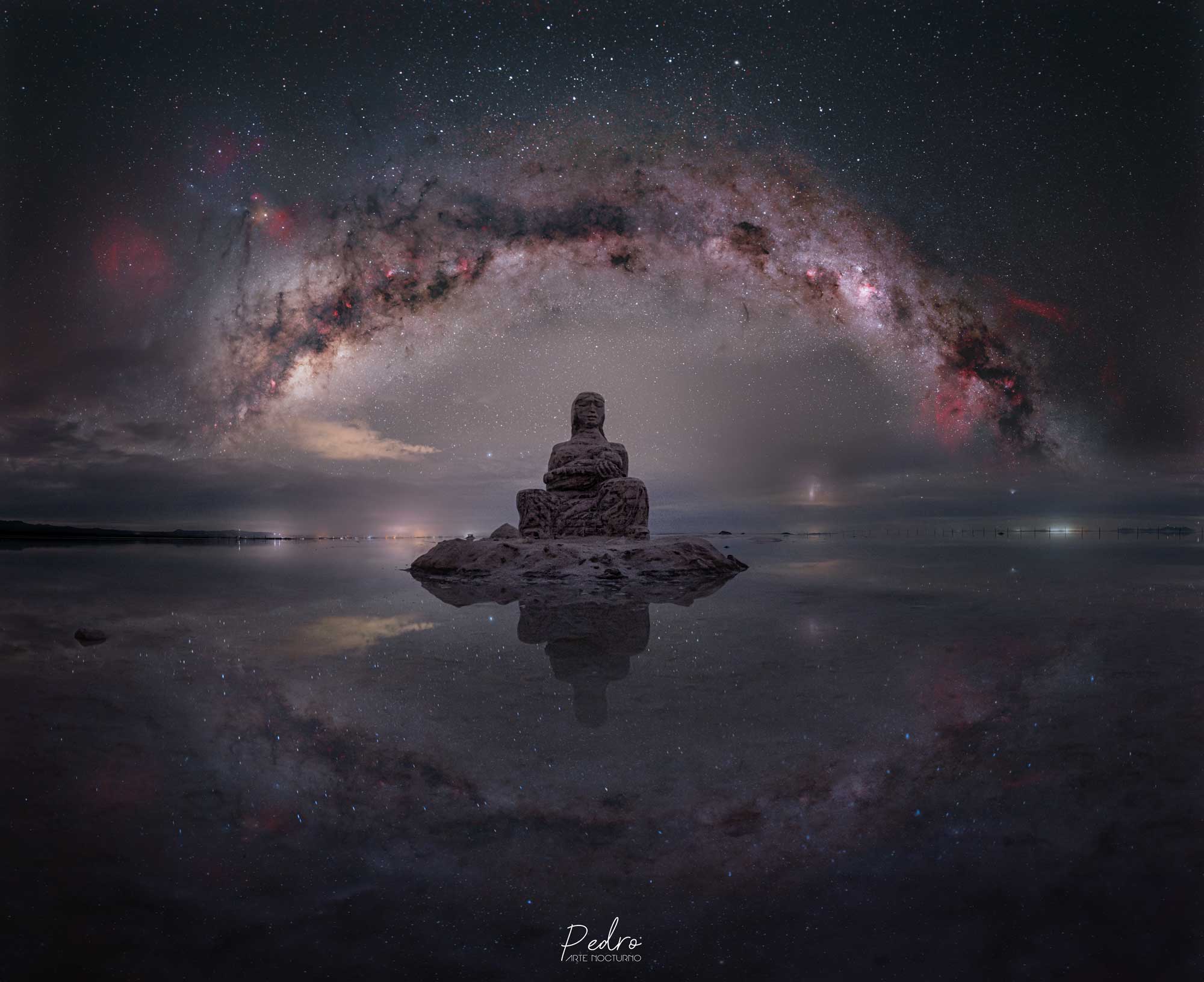
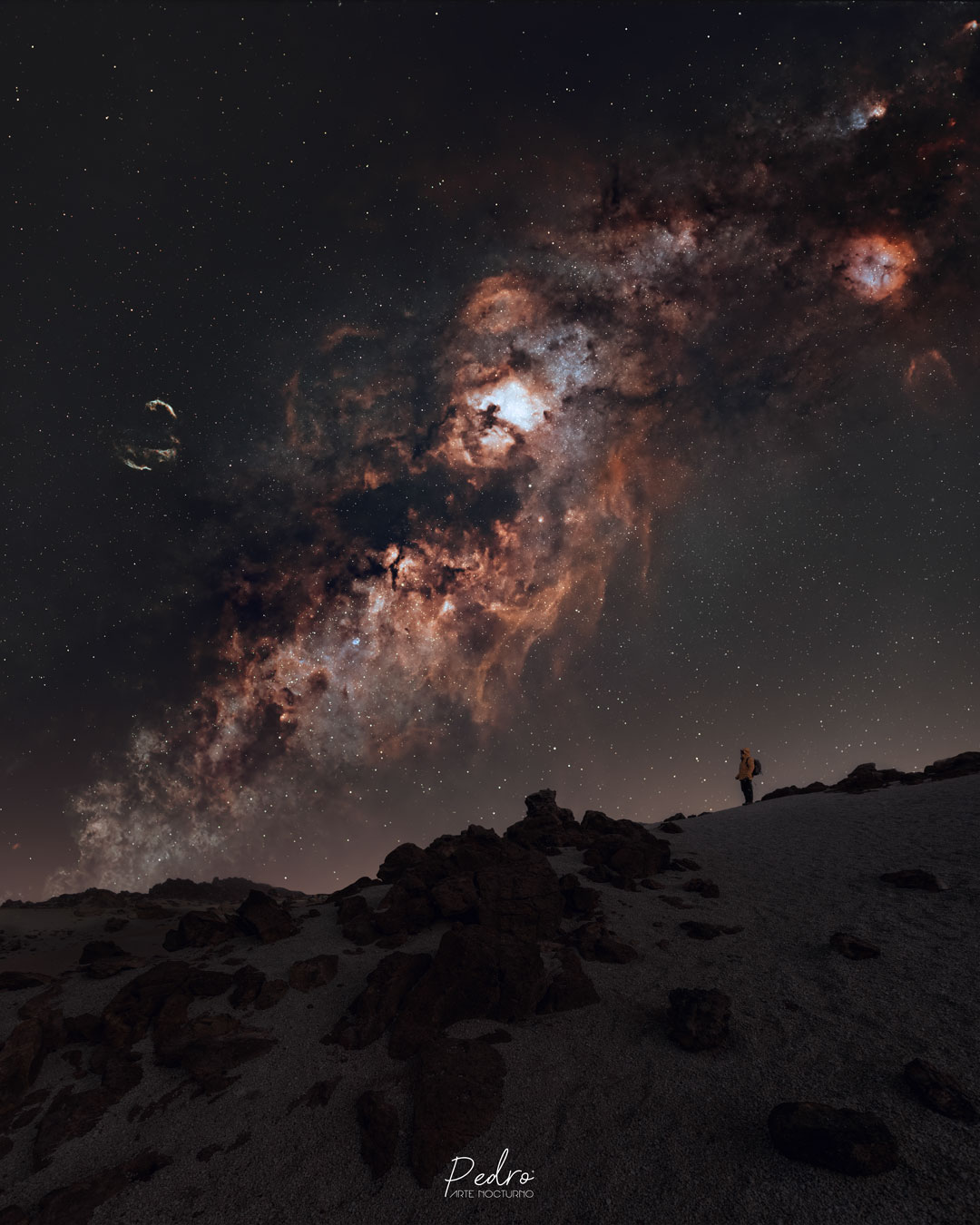
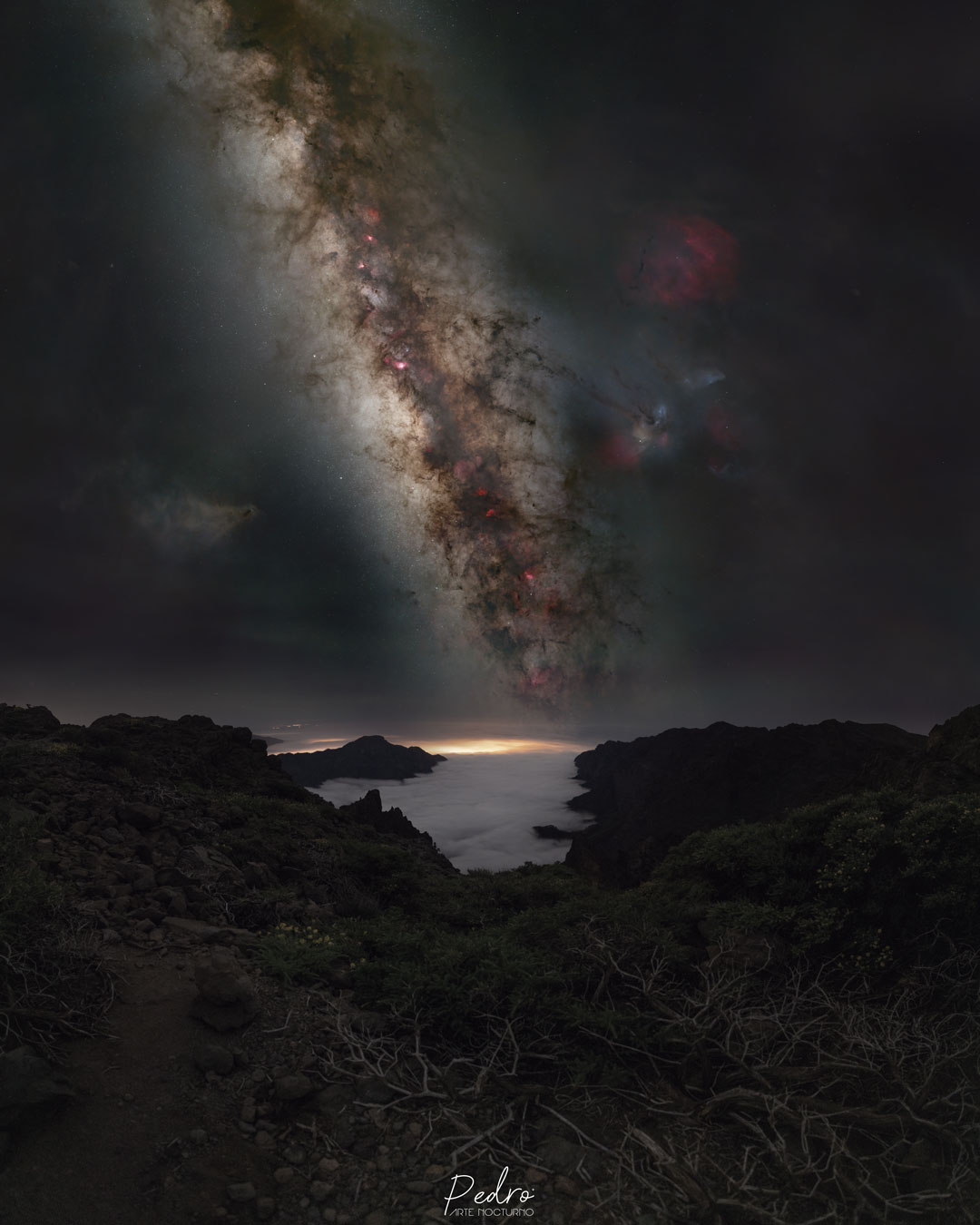
HERE ARE MY COURSES

The Essentials - Astro Landscape
8 Modules and 49 Lessons
67€
+ INFO (Updated in 2026)
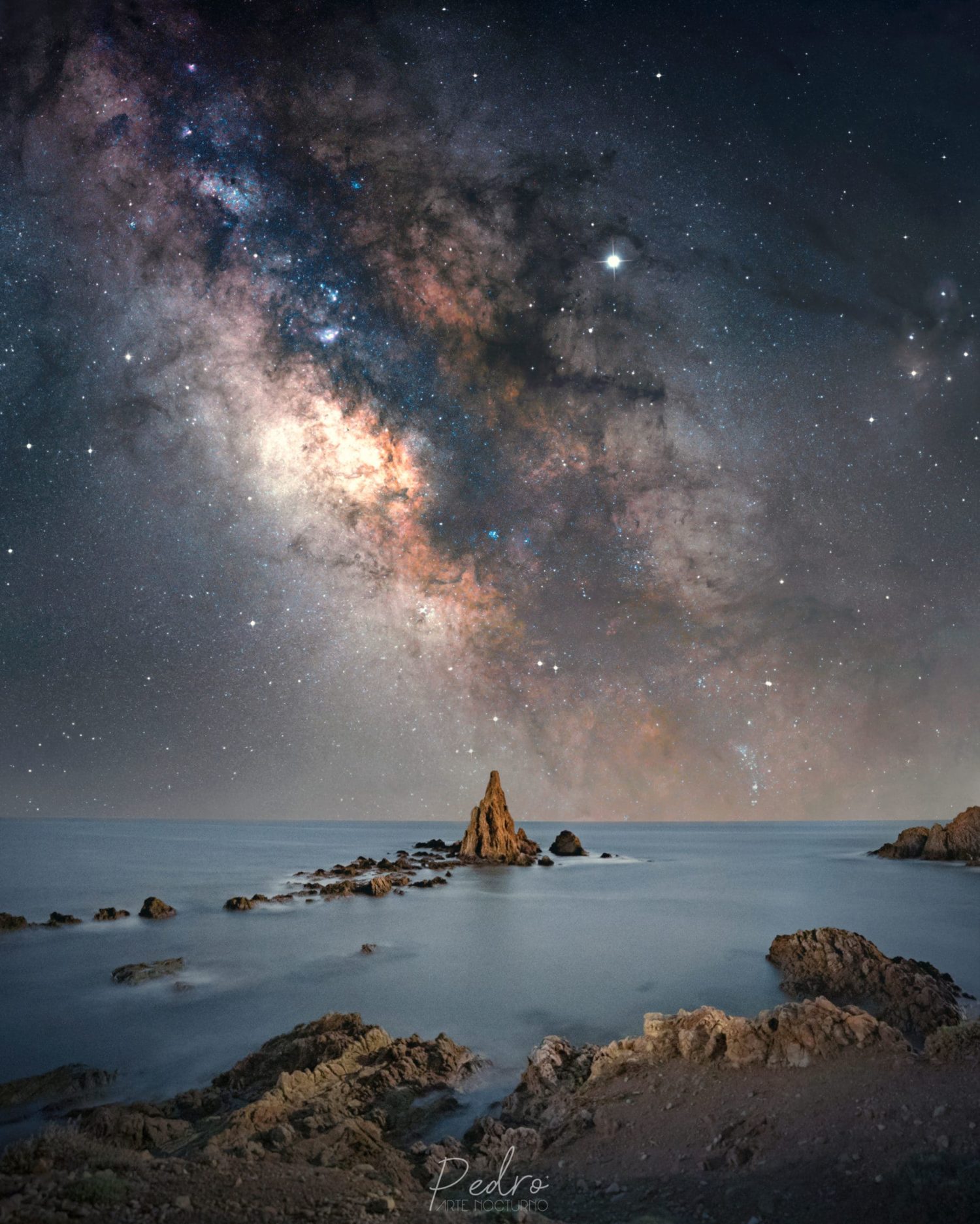
Master nightscape photography without a star tracker. Get the most out of your tripod and wide-angle lens with professional techniques, from stacking to reduce noise, to color theory and an advanced Photoshop editing workflow. Learn how to achieve clean, striking results by combining manual technique with the speed of Art Panel Pro.
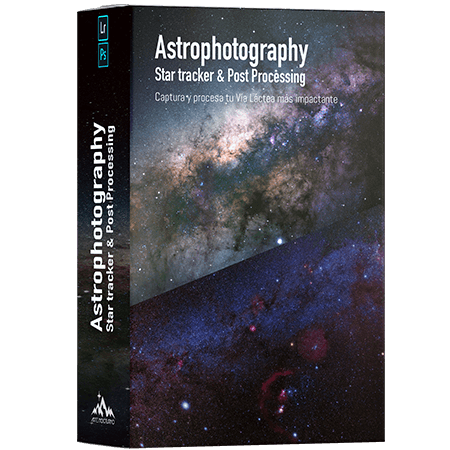
Star Tracker & Post-Processing
12 Modules and 65 Lessons
79€
+ INFO (Updated 2023)
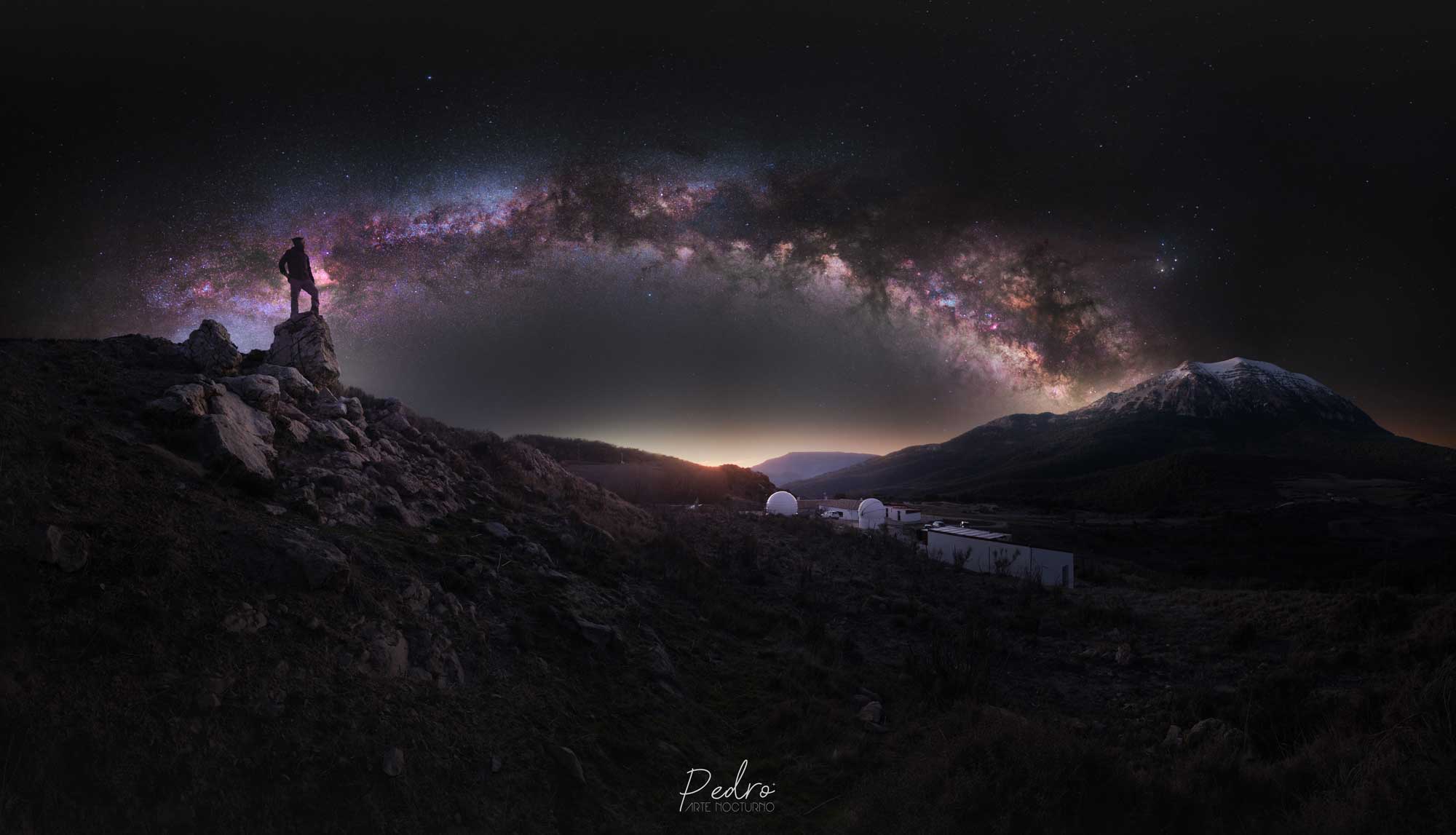
Plan, capture, and process your most striking Milky Way images. In this advanced course, I share my complete workflow, designed specifically for star tracker users and astro-modified cameras. You’ll learn how to master tracking techniques and bring out the unique colors of the winter Milky Way.

Art Panel Pro v3
13 Módulos y 64 Lecciones
+ INFO (Updated in 2026)
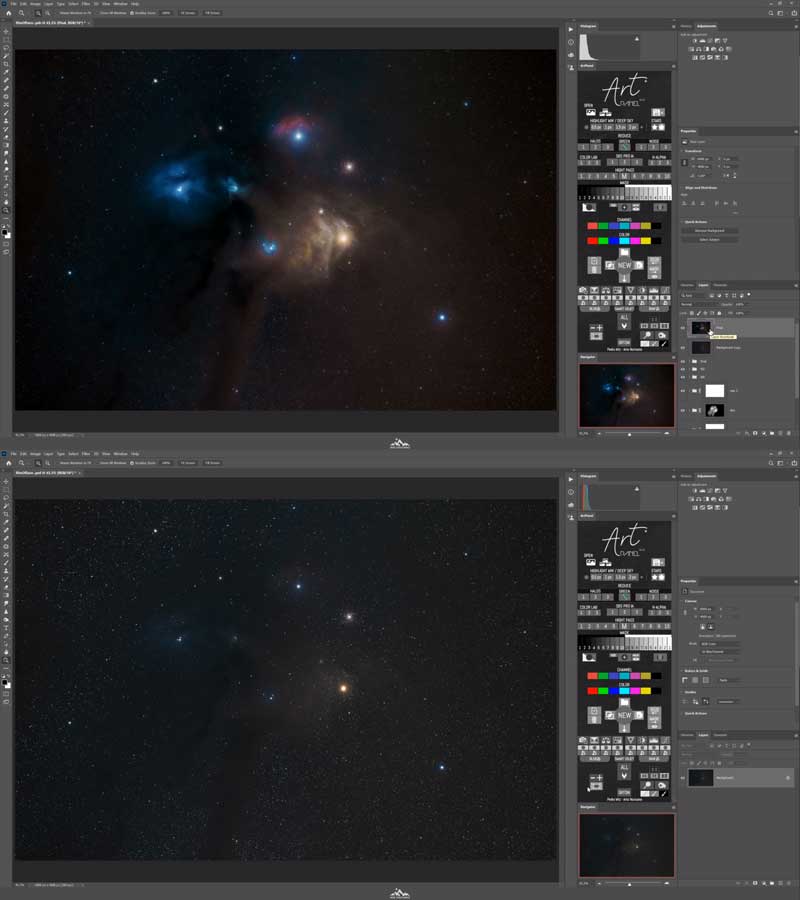
OFFICIAL ART PANEL PRO COURSE Stop guessing and start editing with precision. Get access to a complete training course where I break down exactly how every button and tool in the panel works. You’ll learn my personal workflows step by step, with real examples : from how to work properly with Starless layers and luminosity masks to cleaning up gradients and adding the final touches.
CHARACTERISTICS OF ALL COURSES
From scratch
You can start from scratch — no prior knowledge needed.
Unlimited access
The courses have no time limit. Access them whenever you want with unlimited lifetime access, and learn at your own pace.

Only with Photoshop
Even though I show other options, you only need one program: Photoshop.
DEDICATED SUPPORT
Get remote support by phone, email, or WhatsApp for any questions or issues that come up.
4K TUTORIALS
The tutorials are available in 4K, so you won’t miss a single detail in the editing process. You can also choose a lower resolution if you have a slower connection.
UPDATES
You’ll get access to future course updates at no extra cost, even if the price goes up.
NO SUBSCRIPTION
There’s no subscription plan. You pay once and get access to all the content, including any future additions.
Multi-device
Watch the content comfortably from anywhere: PC, Mac, tablet, or phone. Your training goes with you.


They have already done it
A very complete course that takes you through the entire process, from planning the shot to the final edit. Pedro explains everything really well. Highly recommended if you want to take your Milky Way processing to the next level.
100% recommended. I’ve gone back to some of my older images that I originally processed with other software, and the results now are spectacular. I had no experience with Photoshop at all, but the videos are engaging and easy to follow, and they teach simple step-by-step techniques you won’t find anywhere else.
A very well-structured and comprehensive course that covers all the essential aspects of Milky Way astrophotography. It’s suitable for any skill level and any editing workflow. The course interface feels polished and professional, and you can tell a huge amount of time has gone into it. I also really appreciate that everything is done entirely in Photoshop, without plugins.
After years of feeling stuck with the editing and processing of my night photos — especially Milky Way images — a friend told me about these courses. Thanks to the teaching method used throughout the training, with detailed explanations, exceptionally high-quality videos, and practice files provided by the instructor, I can honestly say this is the most complete and effective course for making a huge leap forward in your processing and taking your work to the next level. It’s essential if you want to keep improving. Thank you — I’m truly excited.
From my own experience, I realized that even though I already had some background in night photography, I was still missing a lot of important details and nuances — things I only learned through Pedro’s course. He teaches techniques and tricks you probably wouldn’t expect. My honest opinion is that this course helped me see astrophotography in a much simpler and clearer way, which has made me even more passionate about it. An incredible course, and 100% recommended. Thanks for everything, Pedro.
If you’re into astrophotography, these courses are a must-have. They’re designed for all skill levels, well organized, easy to follow, and incredibly complete. You don’t need advanced knowledge of Lightroom, Camera Raw, or Photoshop, and not relying on third-party plugins is definitely a big plus. A 100% positive experience.
You can tell Pedro is an outstanding photographer, and everything he teaches comes from years of real hands-on experience. His Milky Way course is extremely complete, well structured, and easy to follow for all skill levels. The multimedia content is excellent, from the presentations and guides to the editing tutorials. I’ve learned a lot of advanced night photography and editing techniques, and Pedro’s processing style really has its own signature — with original methods that he explains in great detail. I’m very happy with everything I’ve learned, with the course as a whole, and especially with Pedro, who is always happy to answer your questions and offers unbeatable support.
An excellent course. It covers everything from basic astronomy concepts to shooting techniques, processing, and export. It’s useful for both beginners and more experienced photographers. With a basic understanding of your camera and Lightroom and/or Photoshop, it’s easy to follow and genuinely enjoyable. The lessons are short and straight to the point, which makes everything easier to understand and keeps the course moving at a great pace. Personally, it helped me refresh concepts I had already learned and clearly improve both my shooting and post-processing. The panel is also a very intuitive editing tool — effective, focused on the options that are actually useful, and a real time-saver.
For me, it made an immediate difference in the results of my photography. I truly believe it’s a benchmark for this kind of work and will become a go-to resource for learning and reference. In short, a genuinely outstanding course. Congratulations to the author on such a brilliant achievement.
FREQUENTLY ASKED QUESTIONS
Can I pay in a currency other than euros (€)?
Yes, you can pay in any currency.
How do I access the course?
From the **MY COURSES** menu at the top of the website, enter your username and password once you’re inside. (You’ll create your username and password during checkout.)
How long is the course?
There is no set duration — you can go through the course at your own pace. Even after finishing it, you can come back anytime to review any lesson whenever you need it. No need to worry about forgetting things: if you forget something, you can simply watch that part again.
What software do I need?
In the Astrophotography course, I also cover how to use other programs as an optional extra, but the only one you really need is Photoshop.
Do I need Art Panel Pro to take the course?
You can complete the course using only the tools available in Photoshop. Art Panel Pro and other programs are optional. Art Panel gives you extra help to speed up your editing workflow.
What photography gear do I need?
You can start with the basics: a camera and a tripod, then add more gear as you progress through the courses.
The Essentials - Astro Landscape
8 Modules and 49 Lessons
67€
+ INFO (Updated in 2026)
Master nightscape photography without a star tracker. Get the most out of your tripod and wide-angle lens with professional techniques, from stacking to reduce noise, to color theory and an advanced Photoshop editing workflow. Learn how to achieve clean, striking results by combining manual technique with the speed of Art Panel Pro.
Star Tracker & Post-Processing
12 Modules and 65 Lessons
79€
+ INFO (Updated 2023)
Plan, capture, and process your most striking Milky Way images. In this advanced course, I share my complete workflow, designed specifically for star tracker users and astro-modified cameras. You’ll learn how to master tracking techniques and bring out the unique colors of the winter Milky Way.
Art Panel Pro v3
13 Módulos y 64 Lecciones
+ INFO (Updated in 2026)
OFFICIAL ART PANEL PRO COURSE Stop guessing and start editing with precision. Get access to a complete training course where I break down exactly how every button and tool in the panel works. You’ll learn my personal workflows step by step, with real examples : from how to work properly with Starless layers and luminosity masks to cleaning up gradients and adding the final touches.