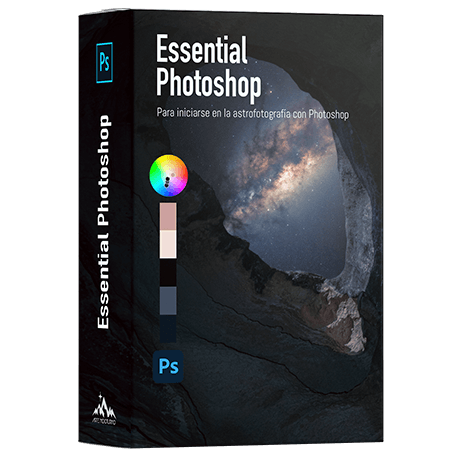
Essential Photoshop
🎓 8 módulos, 18 lecciones | ♾️ Acceso ilimitado | 🔈Español | 🖥 Vídeos en 4K | 🔃 Actualizaciones | 📞 Soporte dedicado | ✉️ Sin suscripción | 🏅Certificado | 📱 Disponible desde cualquier dispositivo
19€
With this video tutorial course, you'll learn the essentials of Photoshop to build a solid foundation in the most commonly used options for processing the Milky Way. It includes colour theory and step-by-step explanations.
Imparte: Pedro Mtz, Astrofotógrafo y desarrollador del software Art Panel Pro.
Who is this course for?
For those who have never used Photoshop, or have used it very little, the aspects that will be covered in this course are essential for processing astrophotography. We will also cover topics such as colour theory, which is fundamental for processing the Milky Way.
ORDER
- Photo organisation
IMPORT AND SAVE
- Import RAW and JPEG photos
- Troubleshooting large file saving issues
Histogram
- Interpret the Histogram
MASTER ADJUSTMENT
- How to use curves
Colour
- Colour space
- The RGB colour
- Colour theory
Colour Tools
- Hue / Saturation
- HSL - Dividir tonos
- Colour balance
- Intensity
- Photo Filter
- Selective Colour
MASKS
- How to use layer masks
- Luminosity masks
OPTIMISE EDITING TIME
- Record, save and load actions
- Keyboard shortcuts